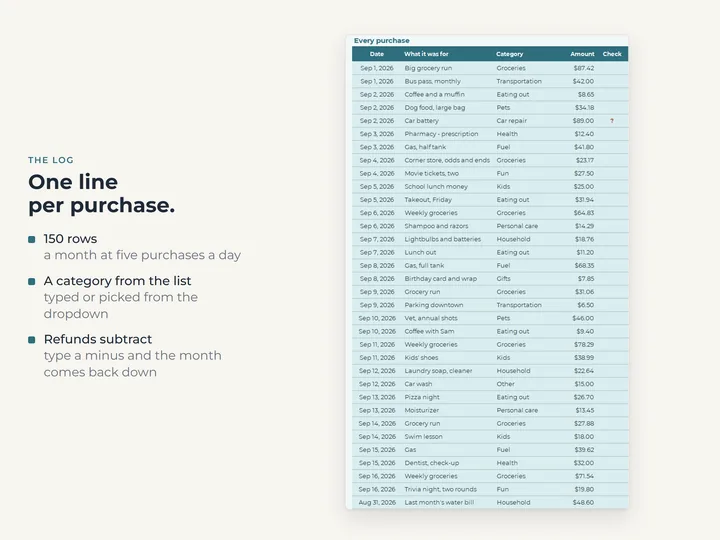
A row for every purchase
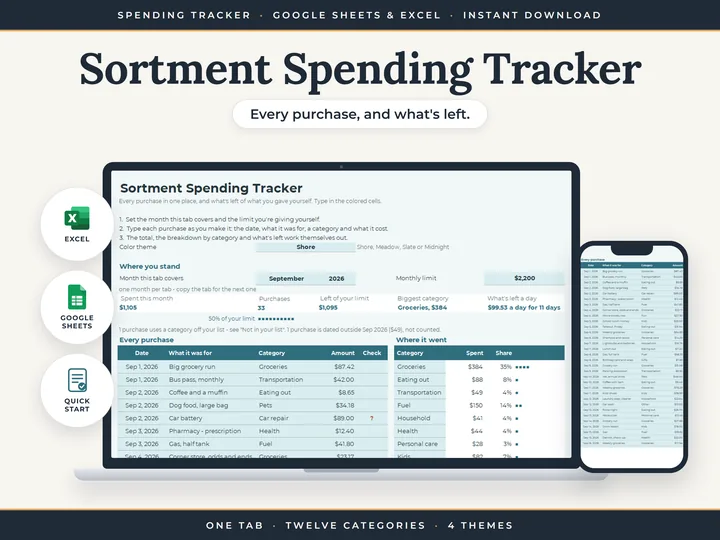
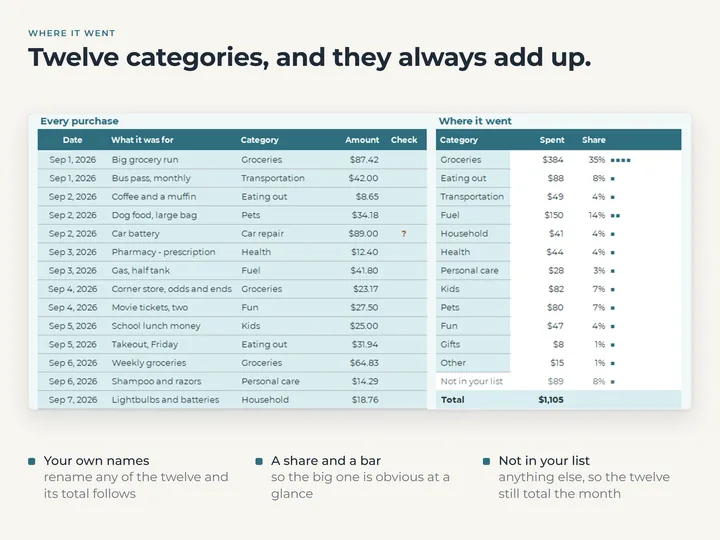
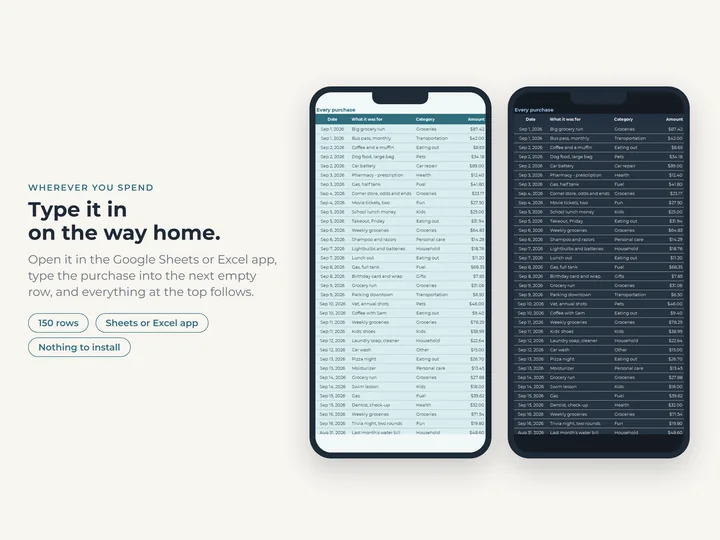
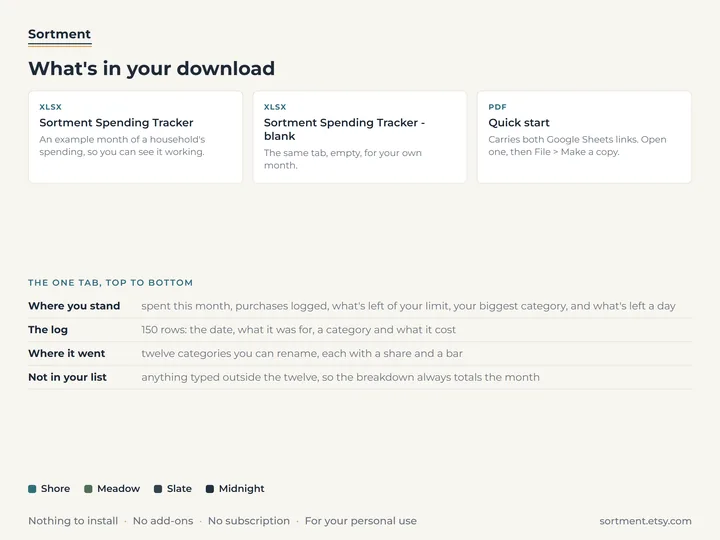
Date, what it was for, a category and the amount, with room for 150 purchases in a month.
Where it went
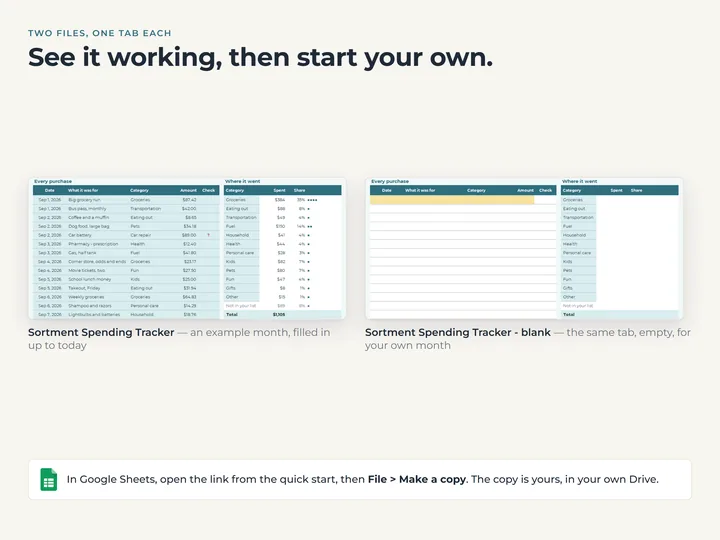
Twelve categories, each with its total, its share of the month and a bar, plus a line for anything outside your list.
Your limit in view
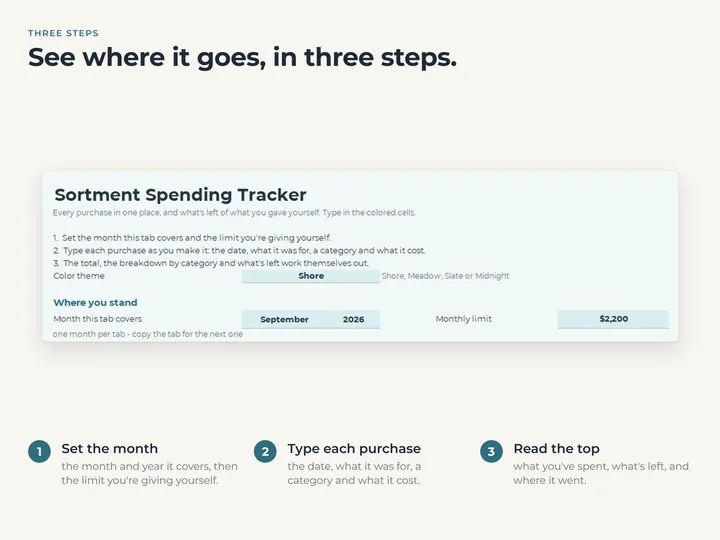
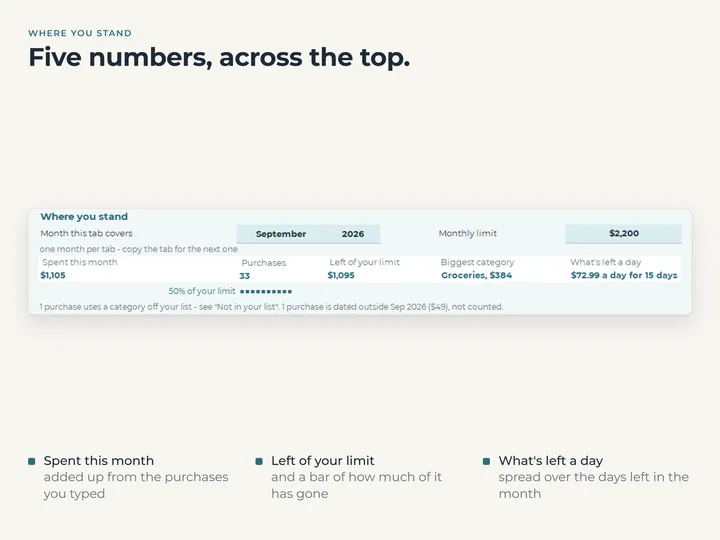
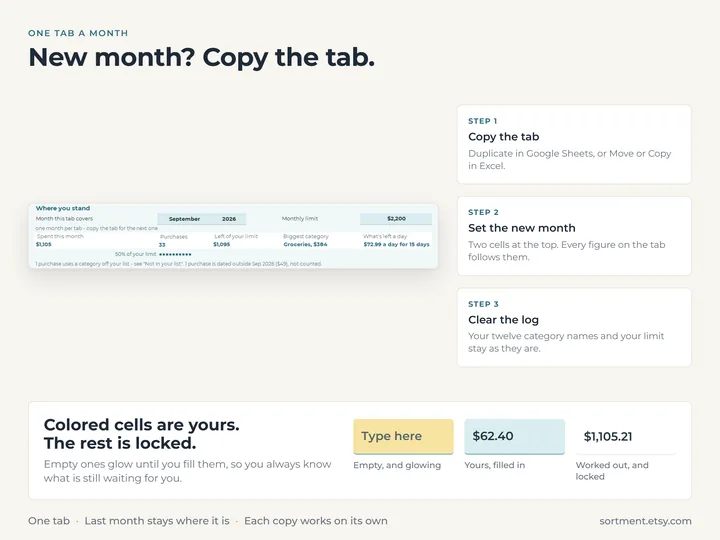
Type a monthly limit and see what's left of it, and what that leaves per day for the rest of the month.
Catches typing slips
A row with no usable date or an unknown category is flagged beside it and counted above the log.
What's in the download
- One tab with the log, the category breakdown and the readouts
- A copy filled with a month of example purchases, and a blank one
- A quick-start guide with the Google Sheets copies
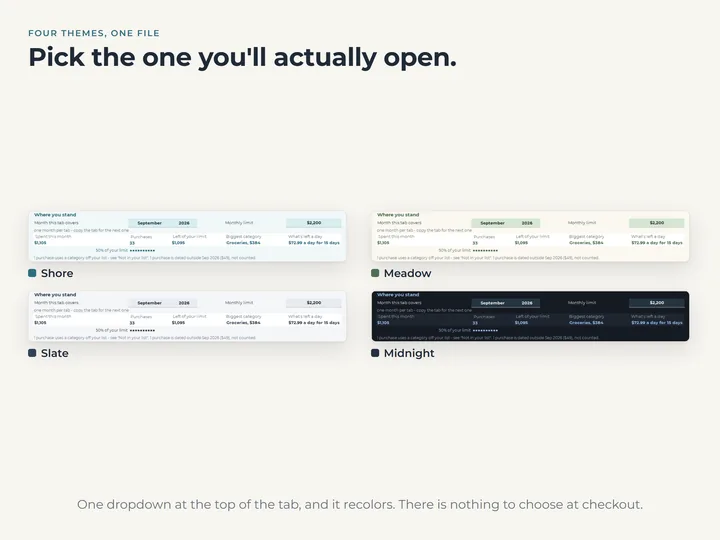
- Four color themes, switched from a dropdown
Who it's for
Anyone who wants to see where the money actually goes, without planning a budget first. To plan categories against your income, the Budget Planner does that.
Questions
Is this a budget?
No. It records what you spend as you spend it. It holds no income and plans nothing ahead, apart from the monthly limit you type.
Does it connect to my bank?
No. You type each purchase in a few seconds, and the totals update as you go.
What about next month?
Copy the tab, change the month, clear the log and carry on. Last month stays as it was.