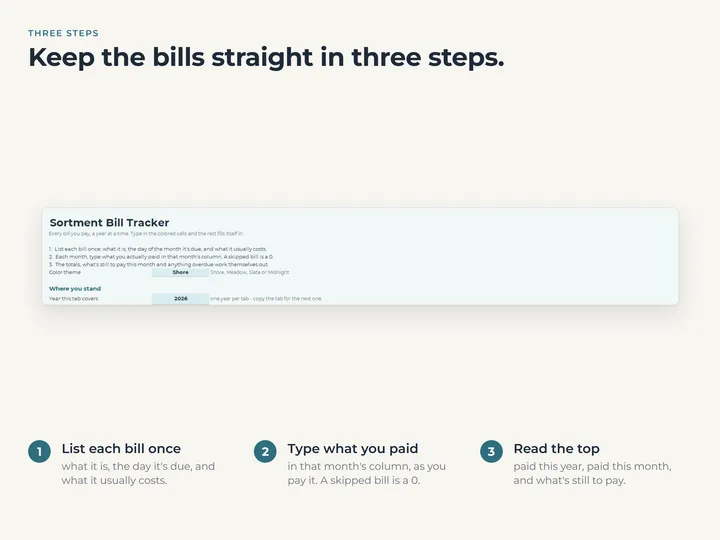
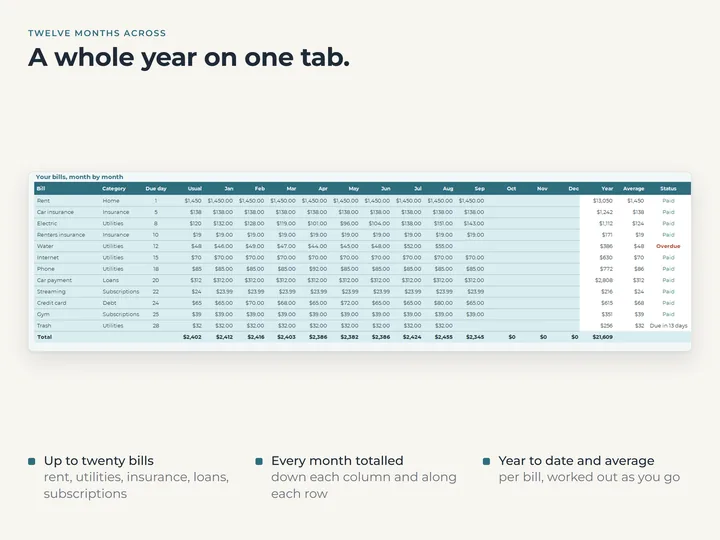
The whole year on one tab
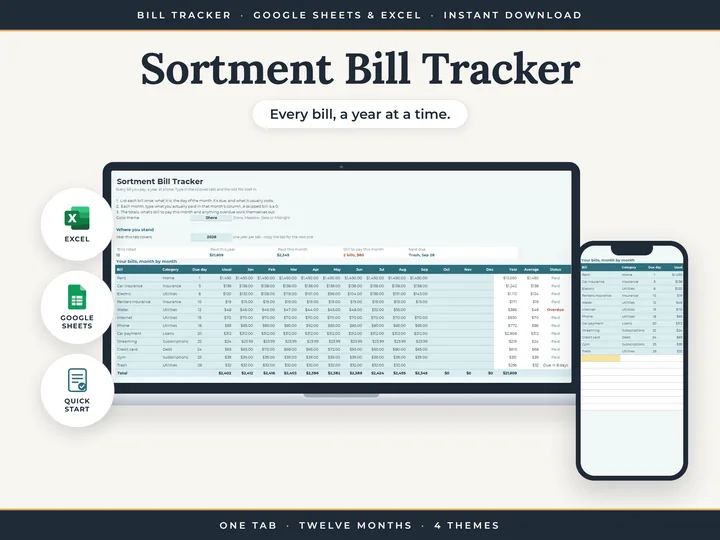
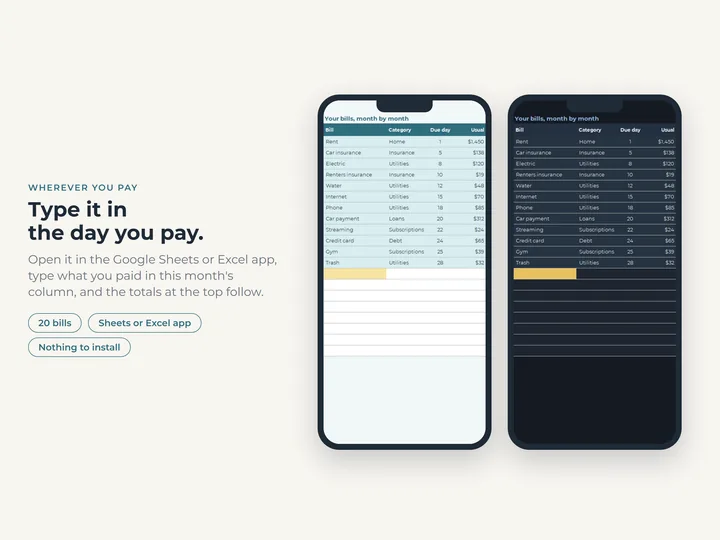
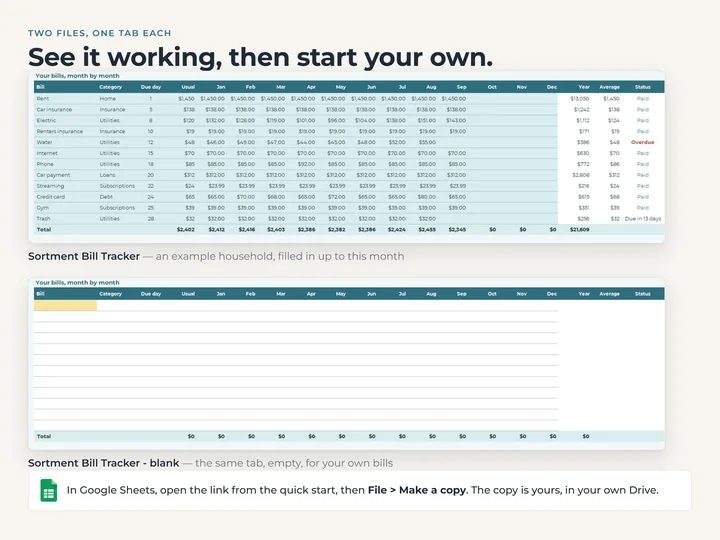
Up to 20 bills down the side and twelve months across, with each bill's total for the year and its average.
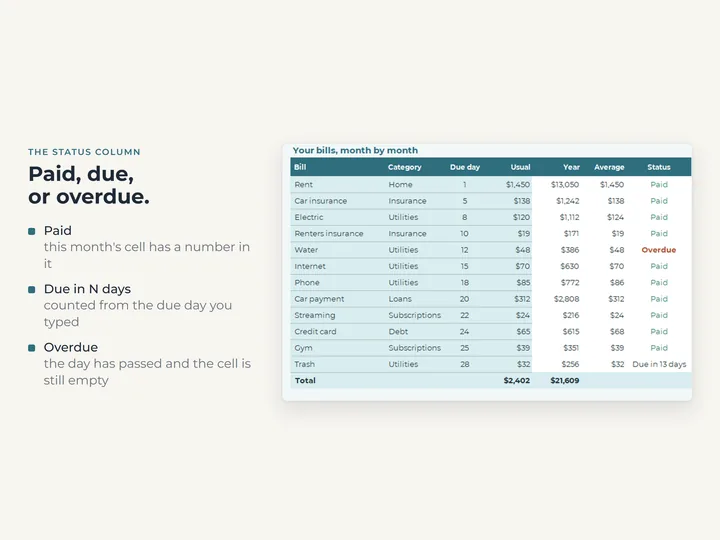
A status for every bill
Paid once this month's amount is in, a count of days while the due day is ahead, and Overdue once it has passed.
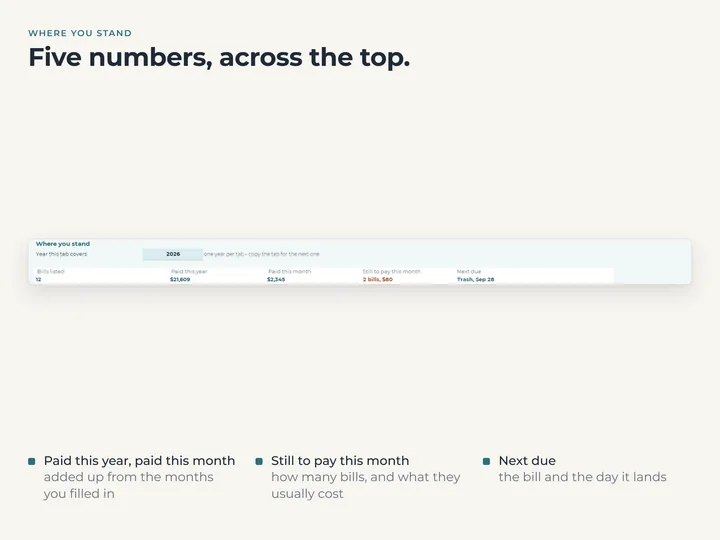
This month at the top
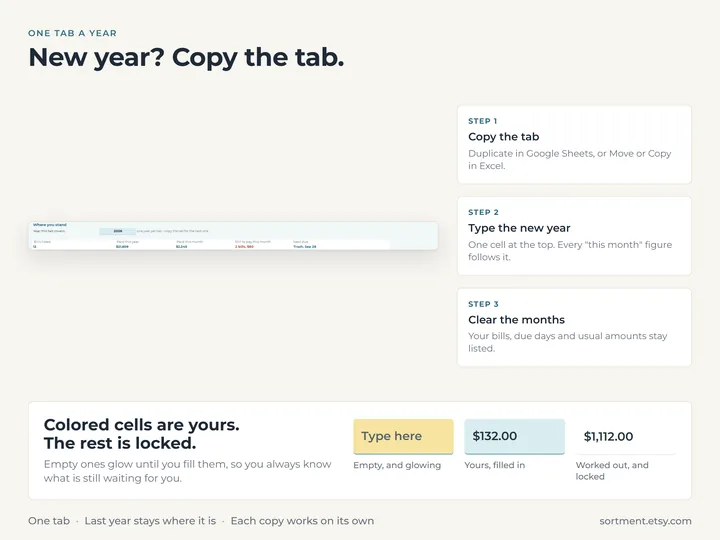
What's been paid, how many bills are still to pay and what they come to, and the next one due with its date.
Nothing to tick
The amount you type is the record, and a 0 marks a bill that was skipped or waived.
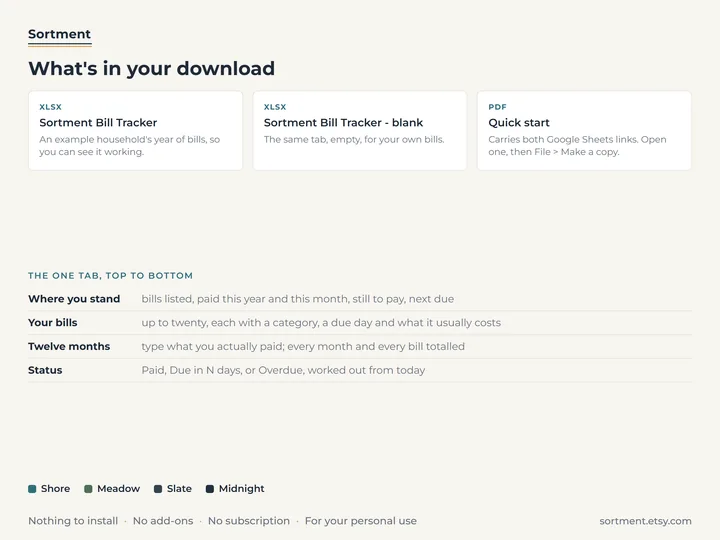
What's in the download
- One tab with 20 bill rows, twelve month columns and the totals
- A copy filled with a year of example bills, and a blank one
- A quick-start guide with the Google Sheets copies
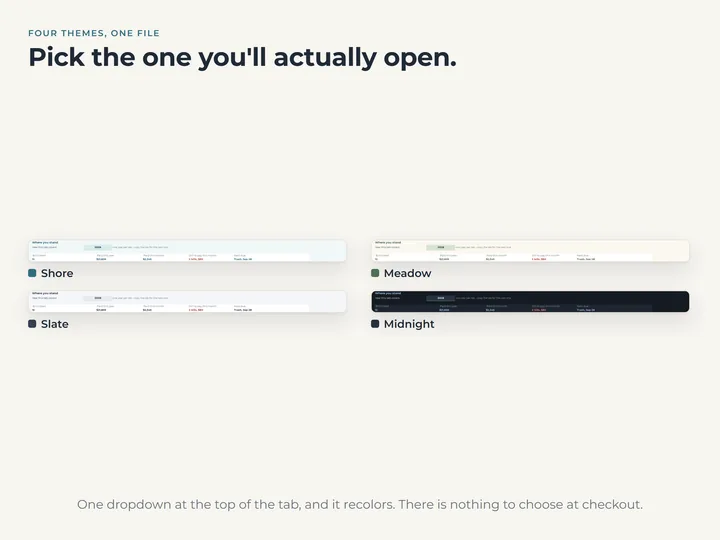
- Four color themes, switched from a dropdown
Who it's for
Anyone who wants every recurring bill in one place and a quick read on what's paid and what's still due. It tracks bills rather than a budget, and the Budget Planner does the planning.
Questions
Will it remind me when a bill is due?
No. A spreadsheet can't send a reminder. It shows what's due next and what's overdue each time you open it.
What about bills that come quarterly or once a year?
List them like any other. Type the amount in the month it arrives and 0 in the others, so the row reads Paid rather than Overdue.
Does it connect to my bank?
No. You type what you paid, and the tab does the rest.