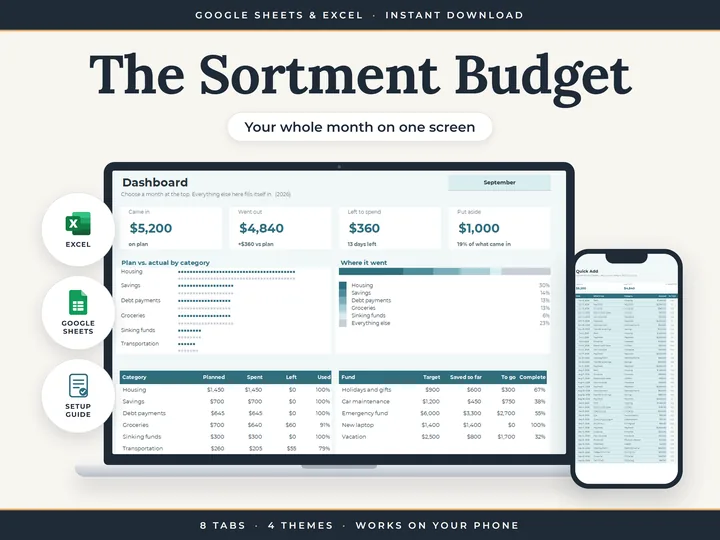
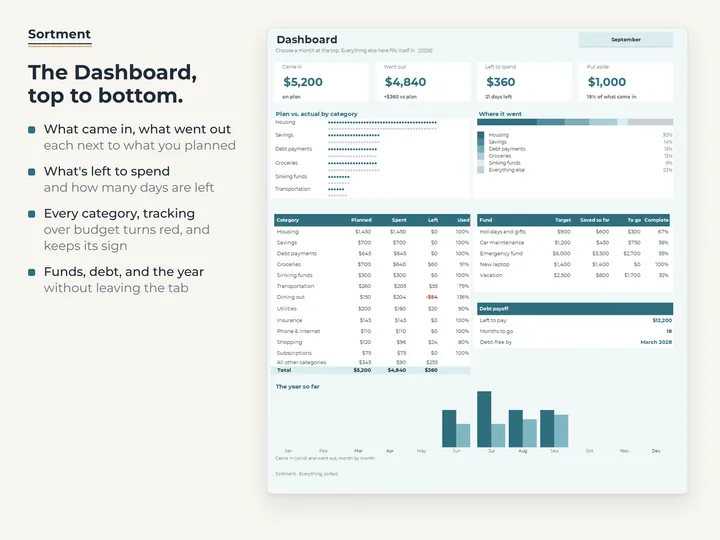
Your whole month on one screen
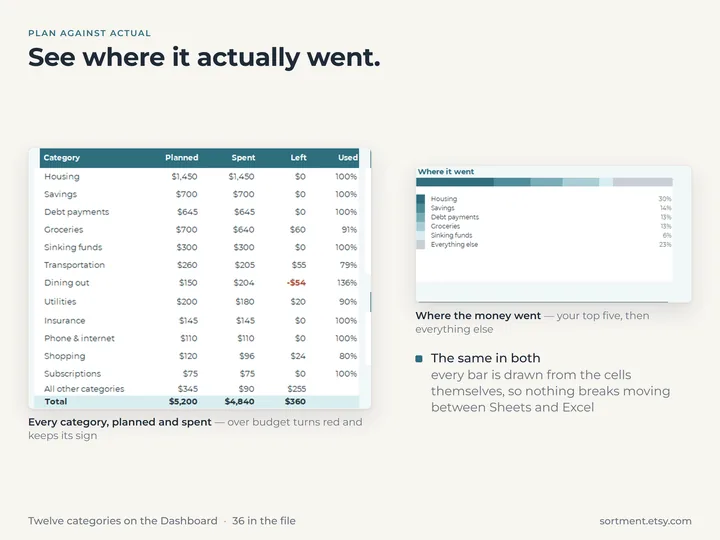
Pick a month at the top of the Dashboard and everything switches to it, planned against actual.
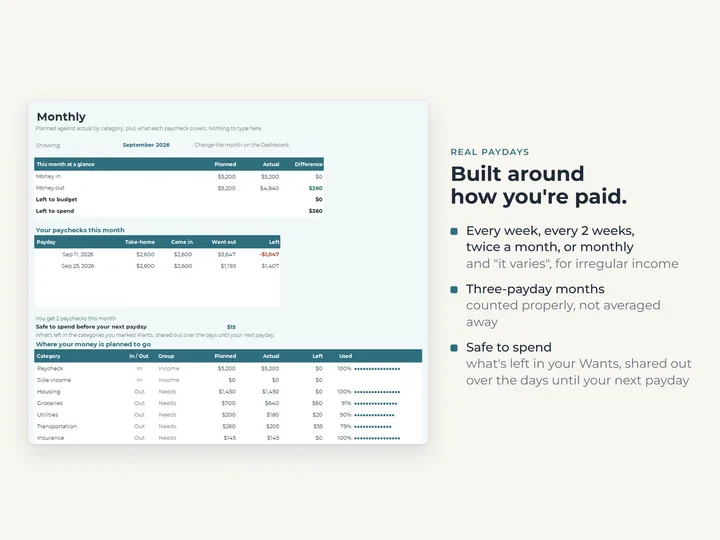
Built around real paydays
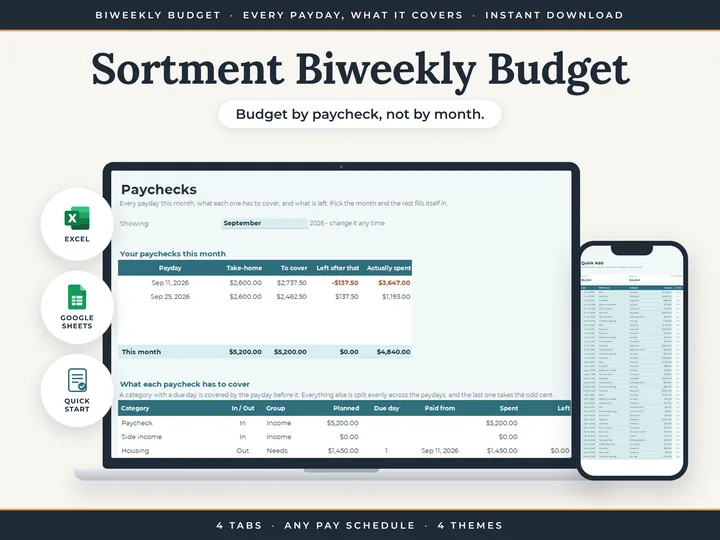
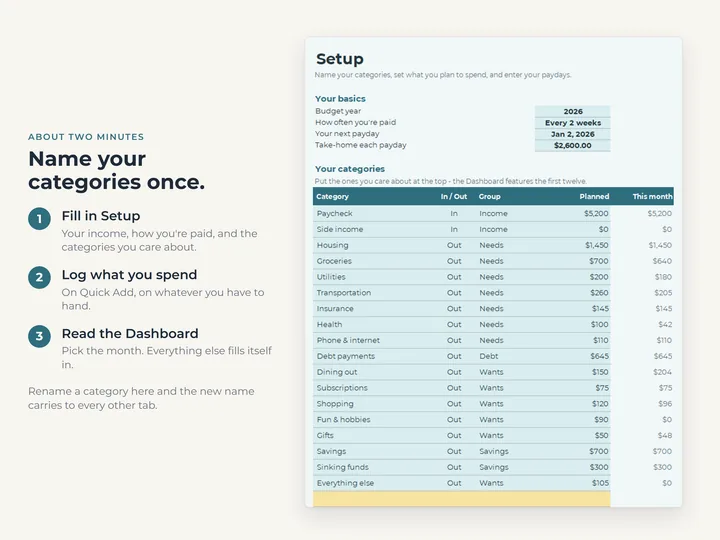
Weekly, every two weeks, twice a month, monthly or irregular. Months with a third payday are handled.
Log spending in one line
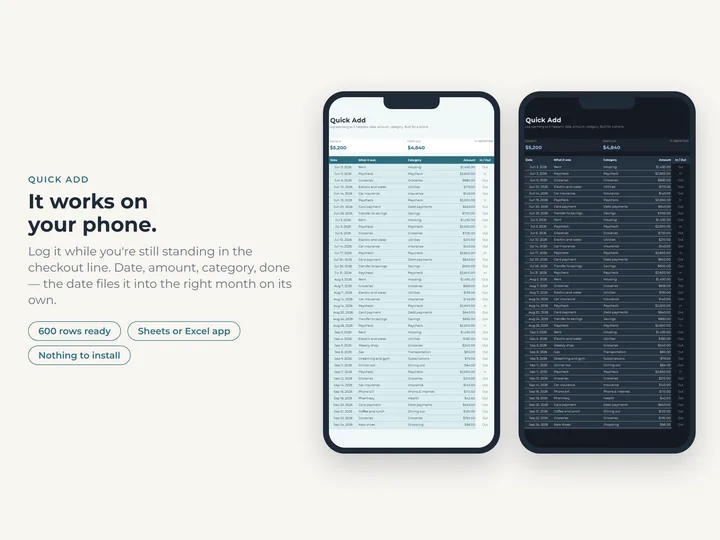
Quick Add takes a date, an amount and a category, on your phone or your laptop.
Hard to break
You type in the colored cells and the rest is locked, so the formulas keep working.
Watch it work
How to make a budget in Google Sheets and Excel
The whole thing, start to finish, in a few minutes.
Play: How to make a budget in Google Sheets and Excel
What's in the download
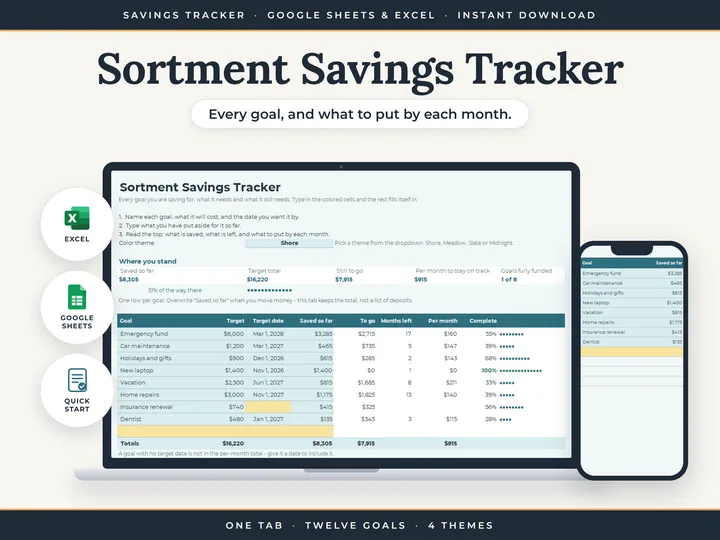
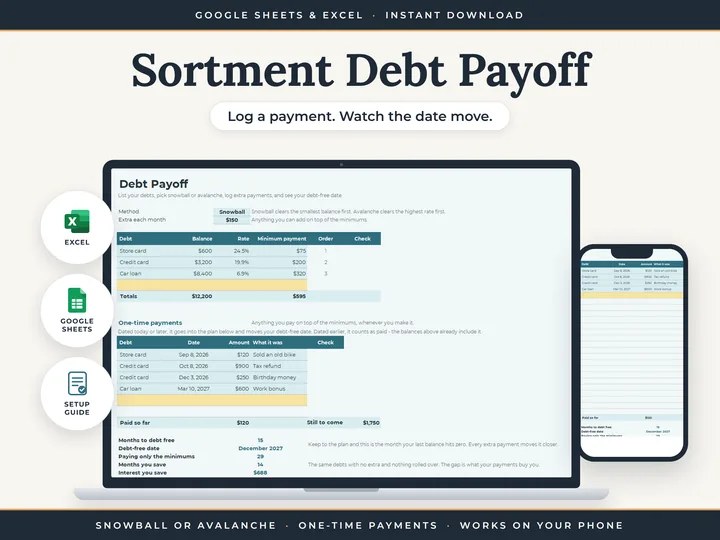
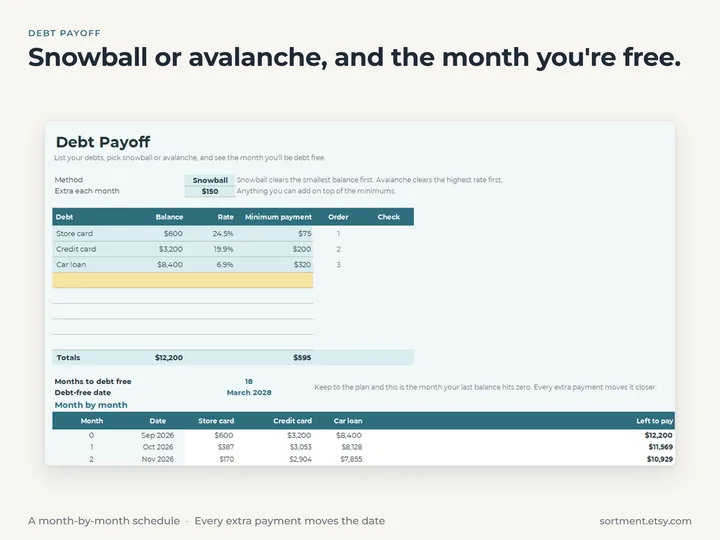
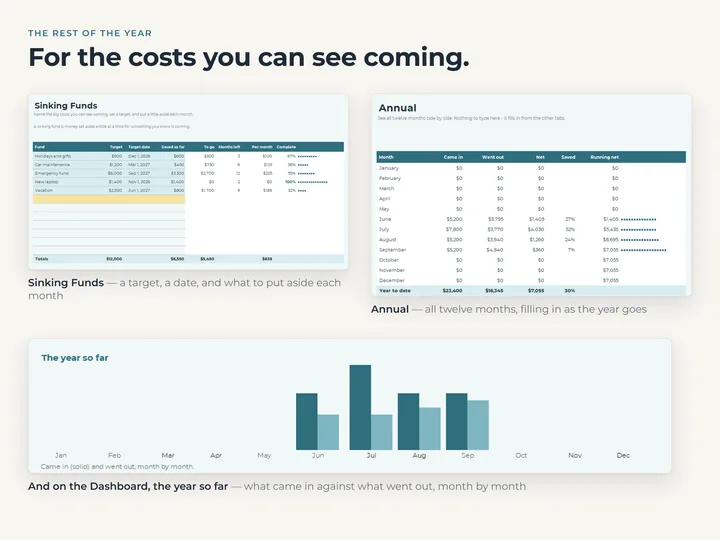
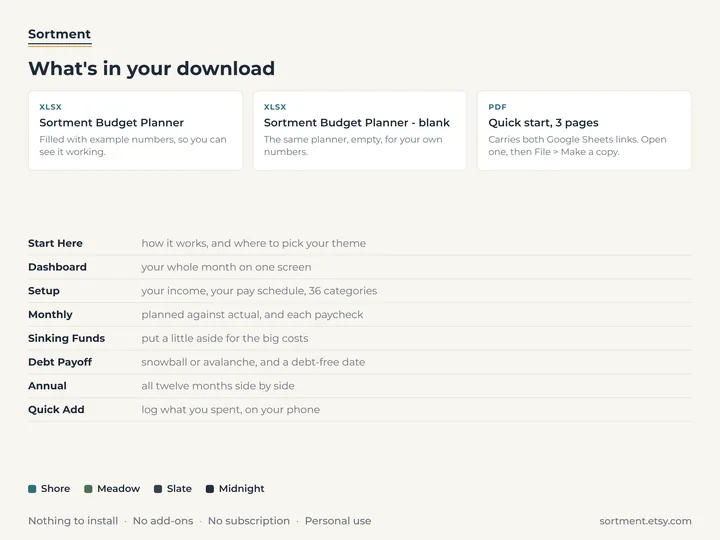
- Eight tabs, including Dashboard, Monthly, Sinking Funds, Debt Payoff and Annual
- A copy filled with example numbers, and a blank one for yours
- A quick-start guide with the Google Sheets copies
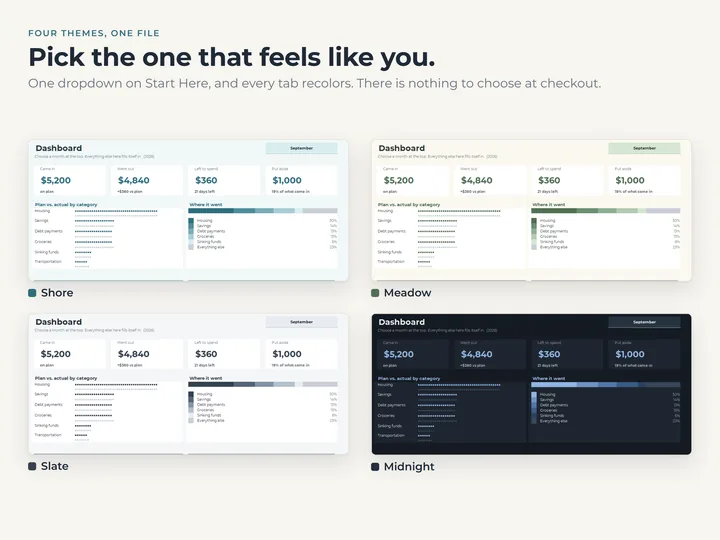
- Four color themes in one file
Who it's for
Anyone who wants to know where the money went without learning spreadsheets. If you are paid every two weeks, the Biweekly Budget is built just for that.
Questions
Does it work in Google Sheets and Excel?
Yes. The download has the Excel files and a quick-start guide with links to make your own Google Sheets copy.
Does it connect to my bank?
No. You type what you spend, and the planner does the adding up. Nothing is linked to an account.
Can I use it on my phone?
Yes. Quick Add is laid out for a phone screen in the Google Sheets app.