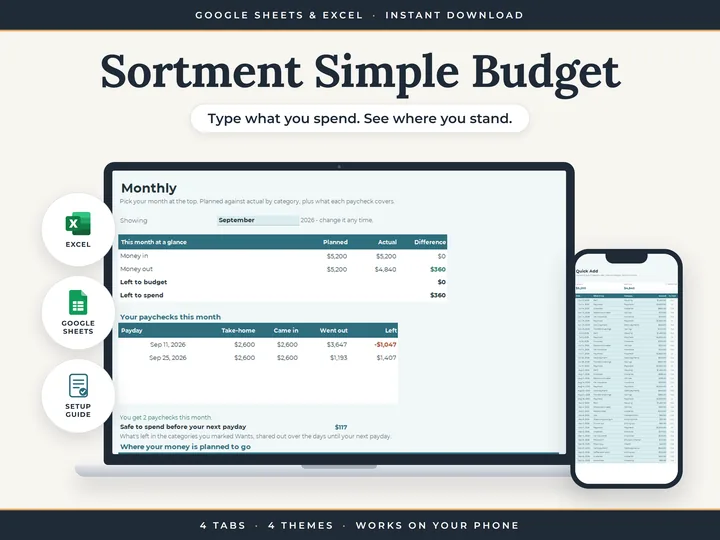
Paydays as they really fall
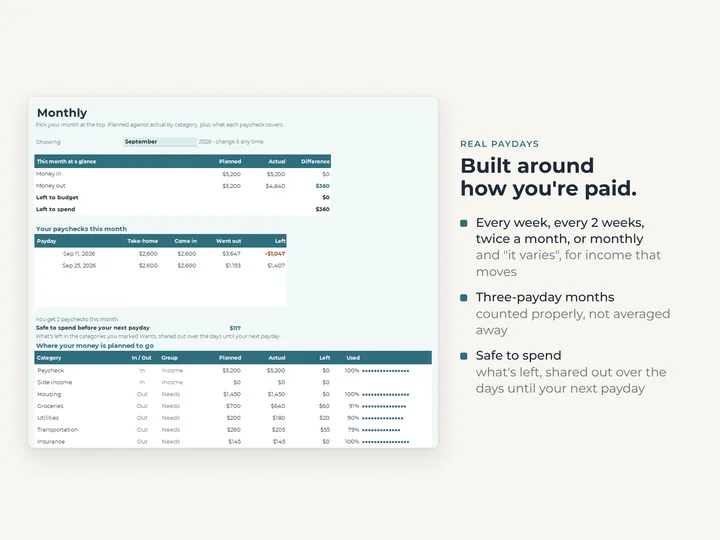
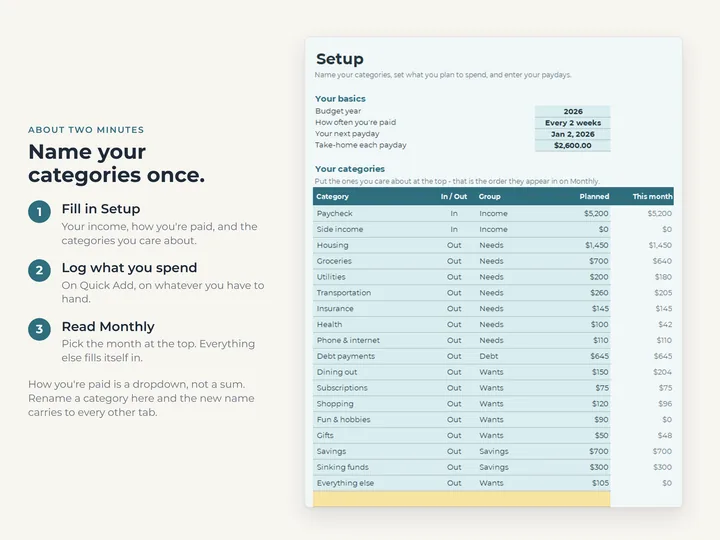
Weekly, every two weeks, twice a month, monthly or irregular, and months with a third payday are covered.
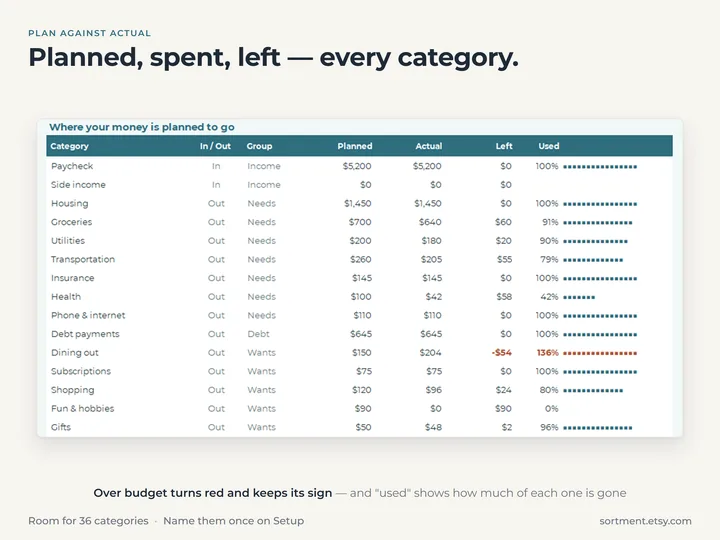
Categories you name once
Setup has room for 36, and renaming one there carries through to every total.
One line per spend
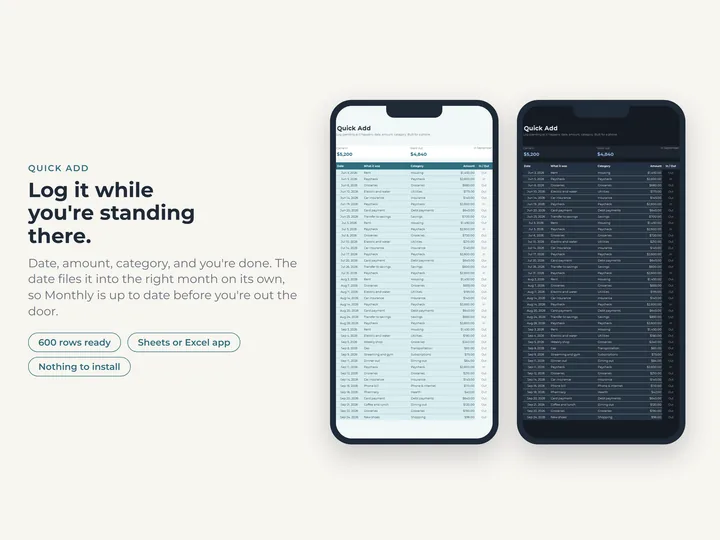
Quick Add takes a date, an amount and a category, on your phone or your laptop.
Hard to break
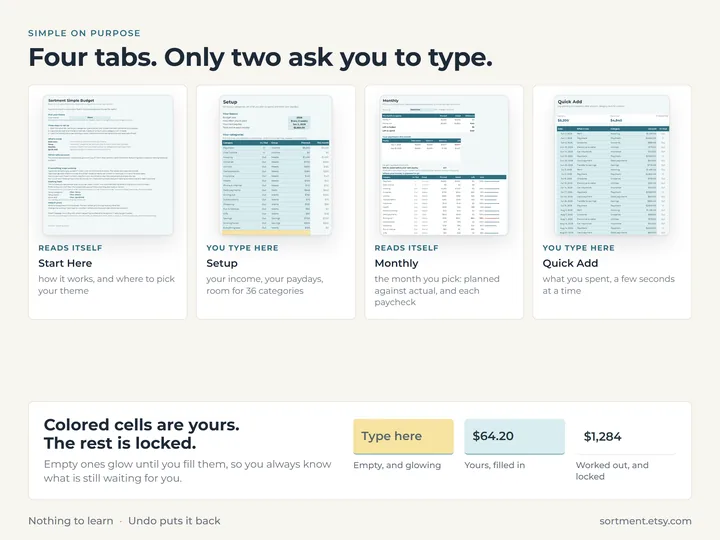
Only the colored cells take typing. The rest is locked, so the sums stay right.
What's in the download
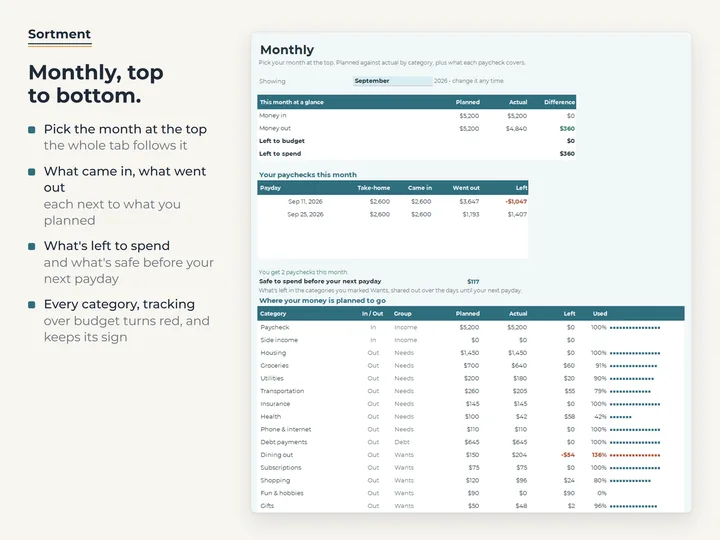
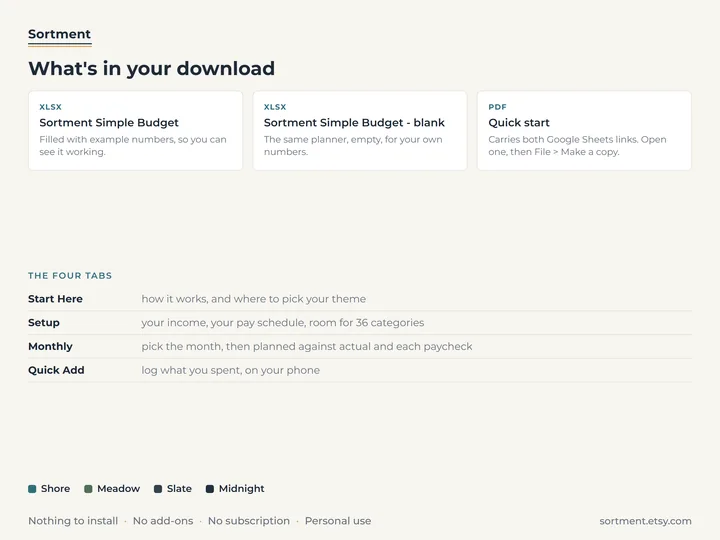
- Four tabs, Start Here, Setup, Monthly and Quick Add
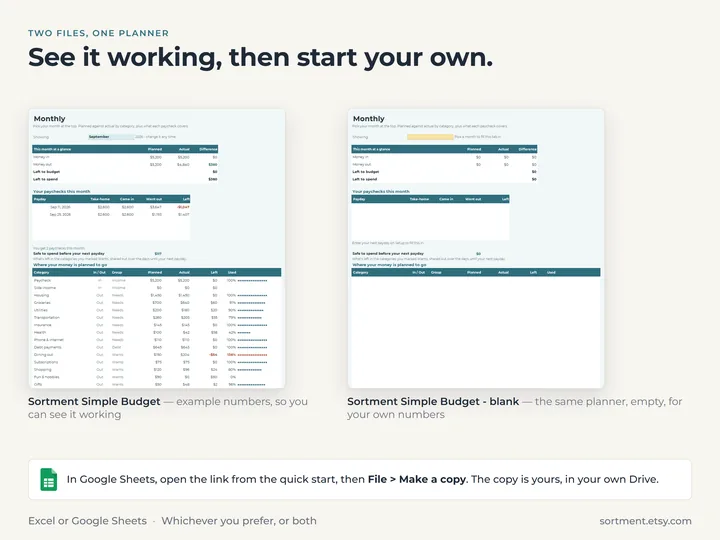
- A copy filled with example numbers, and a blank one for yours
- A quick-start guide with the Google Sheets copies
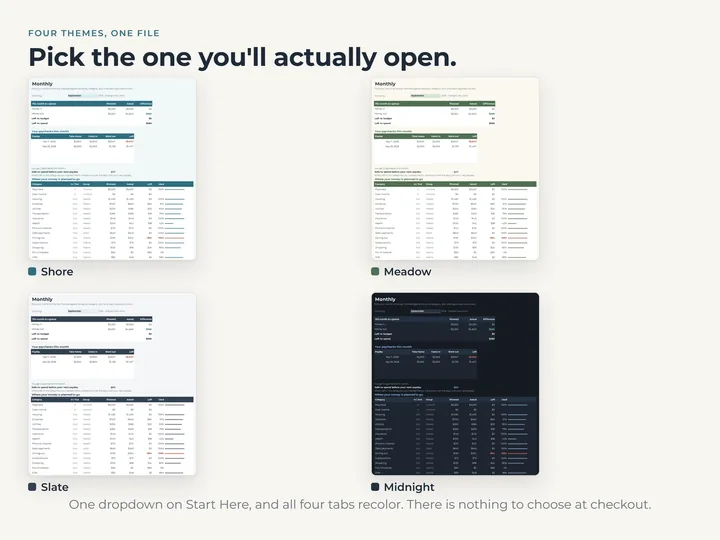
- Four color themes in one file
Who it's for
Anyone who has tried a budget spreadsheet before and found it too much. If you want a dashboard, sinking funds and a view of the whole year as well, the Budget Planner has them.
Questions
Does it work in Google Sheets and Excel?
Yes, both. The quick-start guide has the links to make your own Google Sheets copy, and the Excel files are in the download.
Does it connect to my bank?
No. You log each spend on Quick Add in a few seconds, and the planner does the adding up.
Can I see the whole year at once?
Not in this one. Monthly shows one month at a time, and you pick another month at the top to look back. The Budget Planner adds an Annual tab.