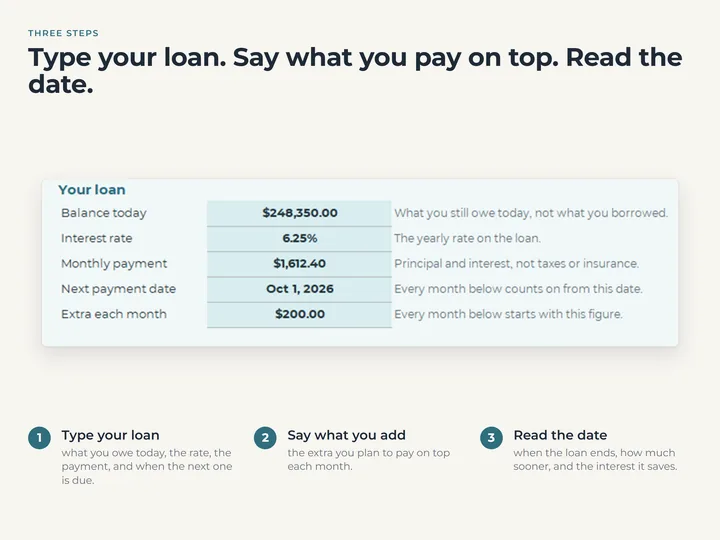
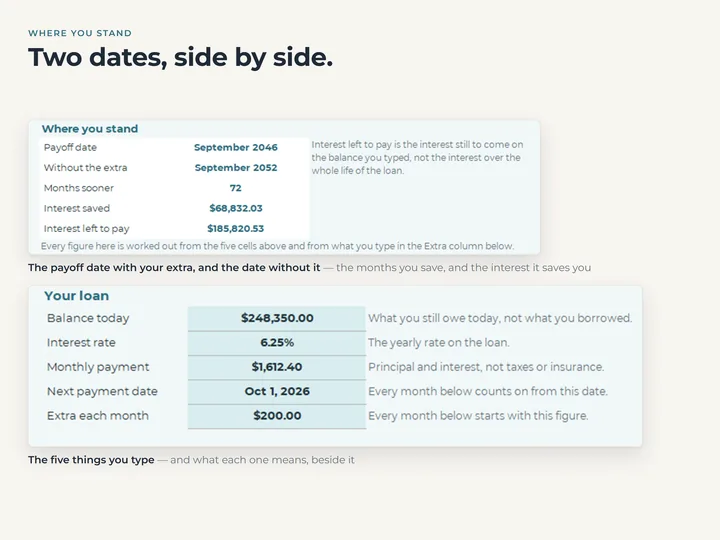
What paying extra does
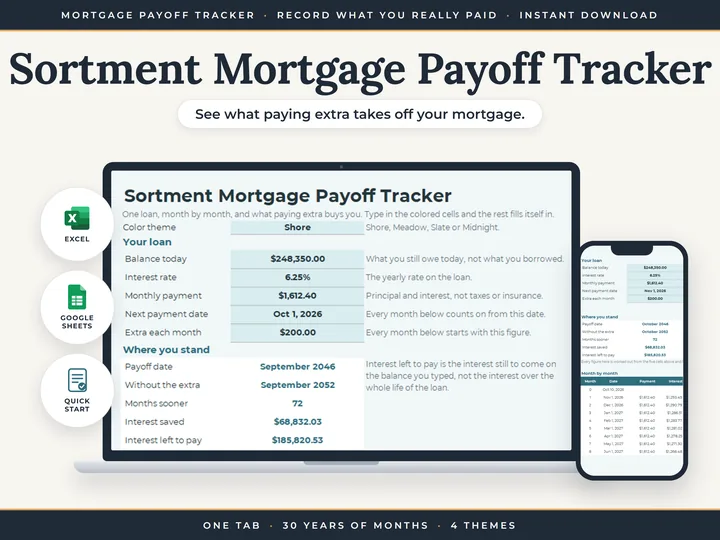
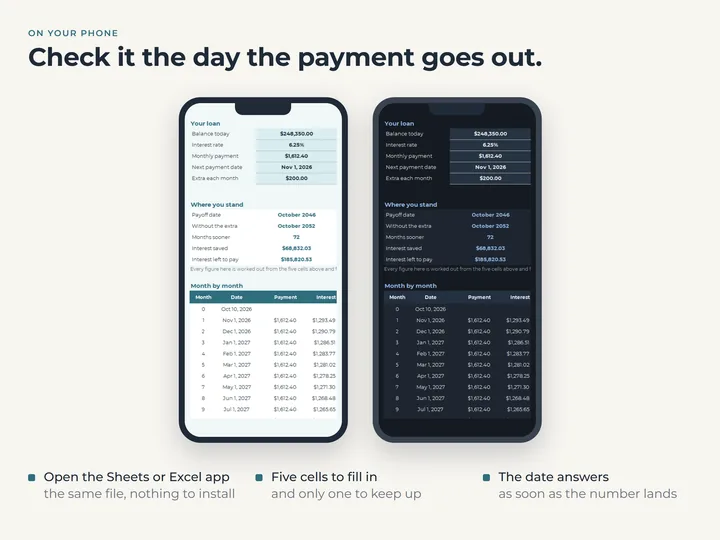
Payoff date, months sooner, interest saved and interest left to pay, all moving as you type.
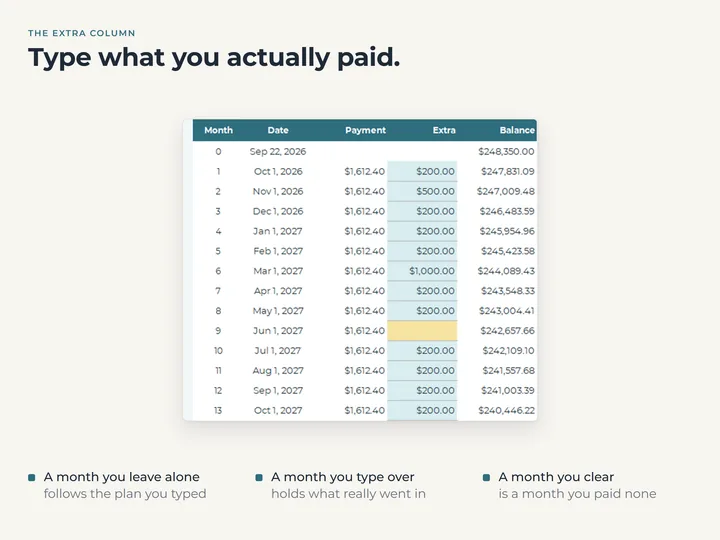
A cell for what you actually paid
Every month has its own Extra cell, so a bigger month, or one with nothing extra, is kept as it happened.
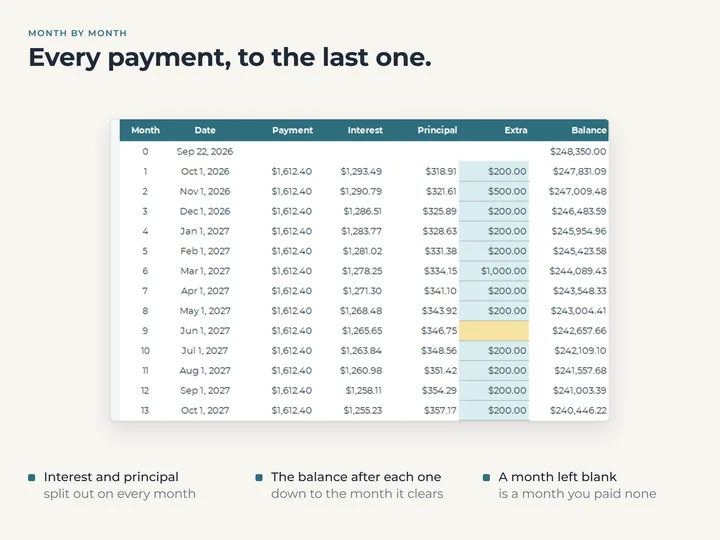
Thirty years of months
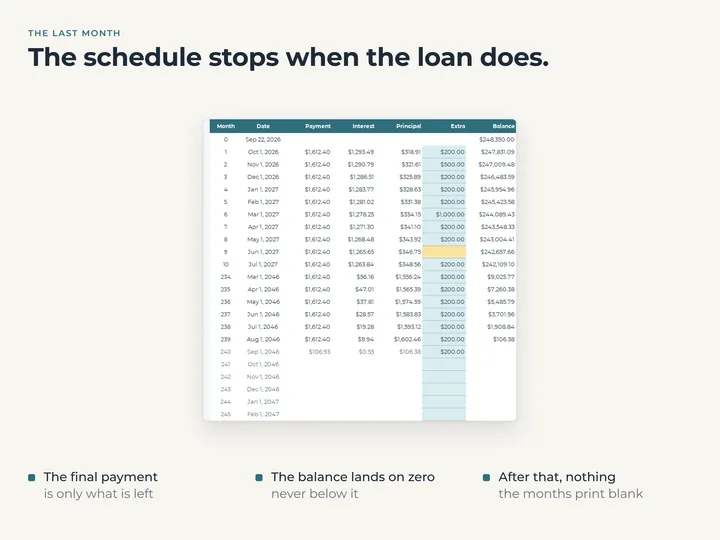
Each month shows the payment, interest, principal, extra and balance, from today to the last payment.
A note when something is off
A rate typed as 6.25 instead of 6.25 percent, or a payment that doesn't cover the interest, is called out under the inputs.
What's in the download
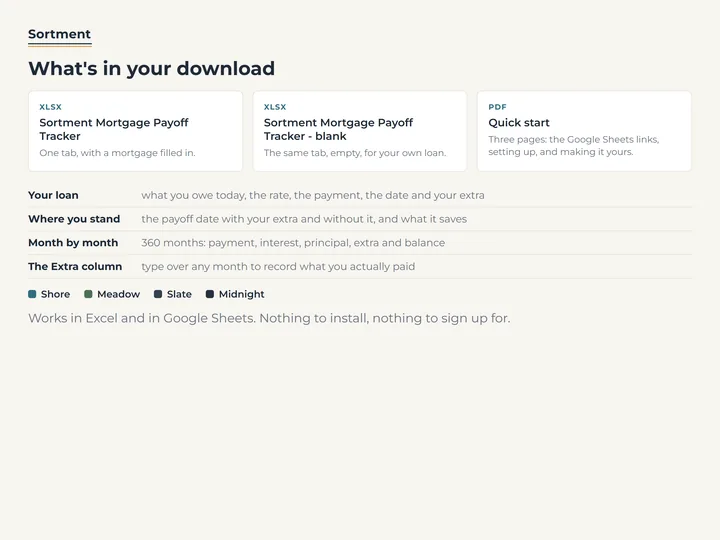
- One tab with your loan, where you stand, and every month to the last payment
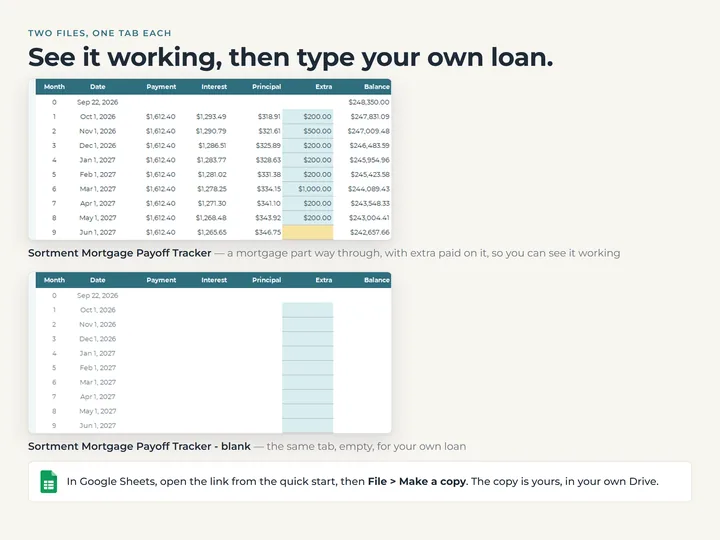
- A copy filled with an example loan, and a blank one
- A quick-start guide with the Google Sheets copies
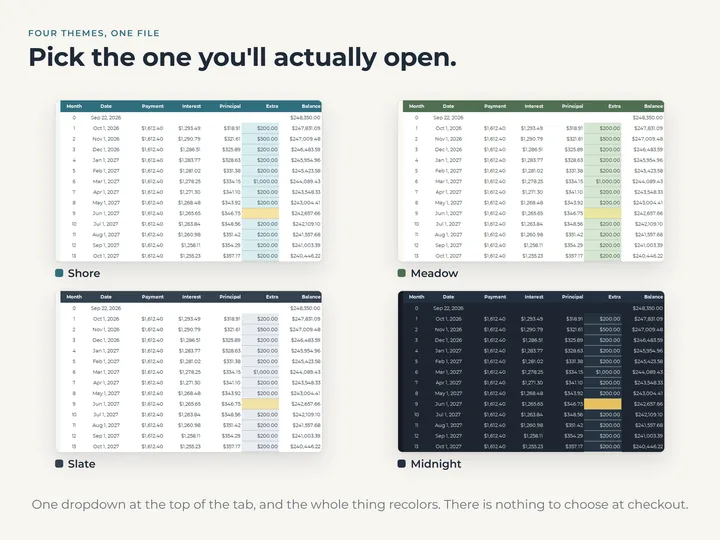
- Four color themes in one file
Who it's for
Homeowners paying extra on a mortgage, or weighing it up, who want to see what it does to the date. It holds one loan at one rate, and a second loan needs its own copy.
Questions
Which payment figure do I type?
Principal and interest only. Property tax, insurance and anything else held in escrow stay out, because they don't come off the balance.
Is this an amortization schedule?
Yes, from today forward. Every month to the last payment, with the interest and principal split out and the balance after each one.
Does it tell me whether to pay extra?
No. It shows what a given extra does to the date and the interest, and leaves the decision to you.