Every payment is one row
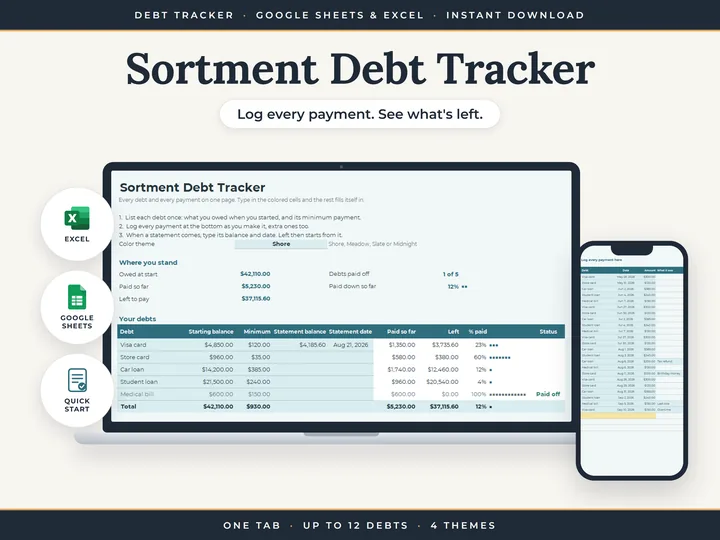
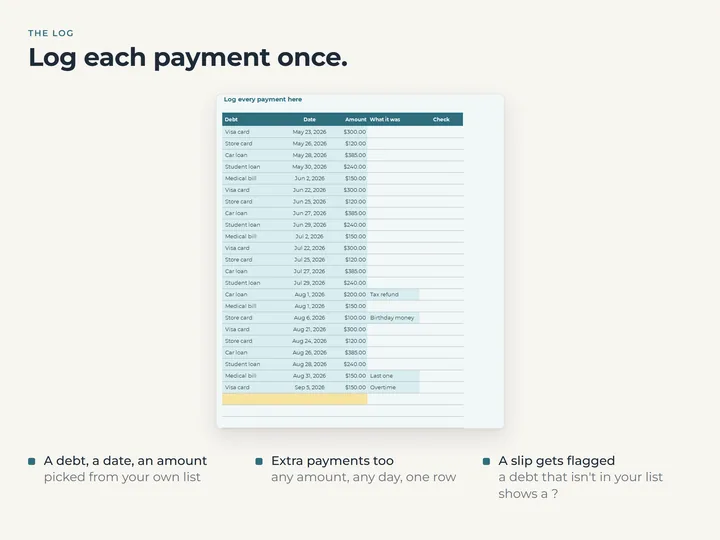
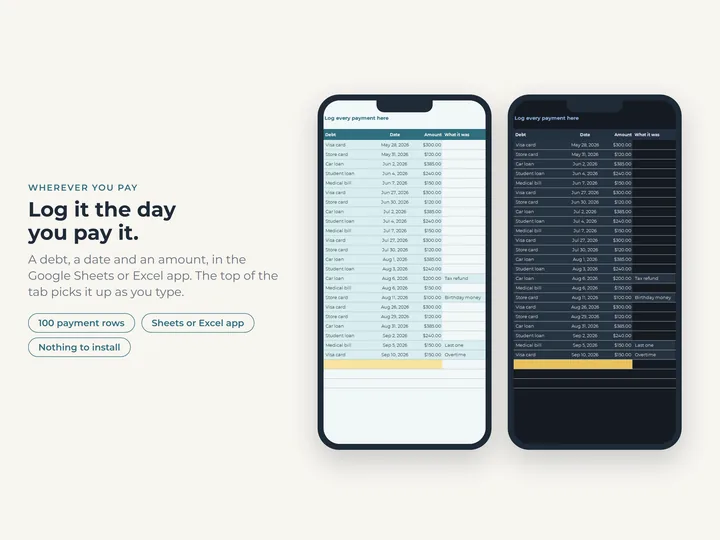
The date, the debt from a dropdown, the amount and a note. A regular payment and an extra one go in the same way.
Progress you can see
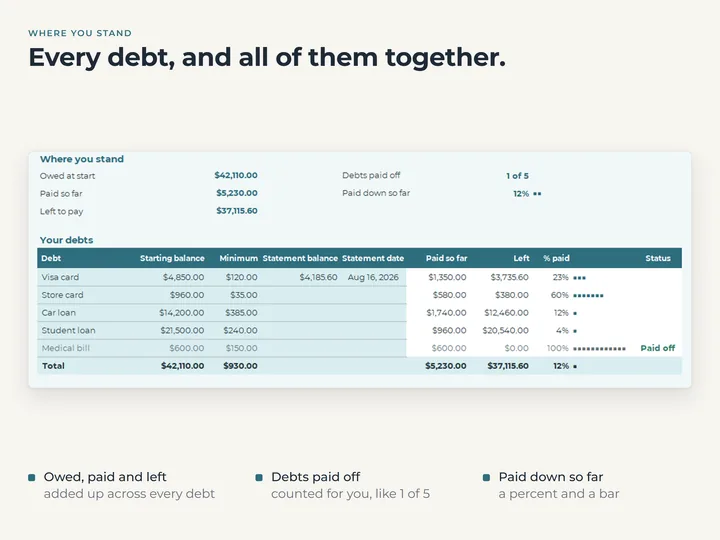
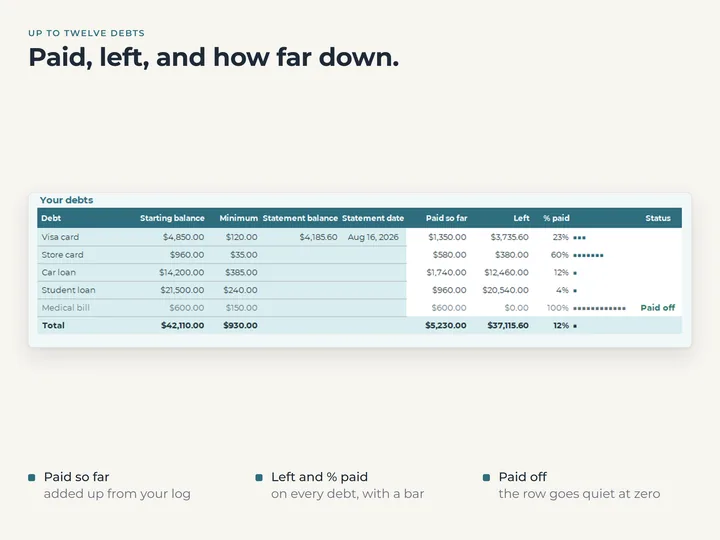
A bar fills as each balance comes down, and a debt that reaches zero reads Paid off.
The whole picture at the top
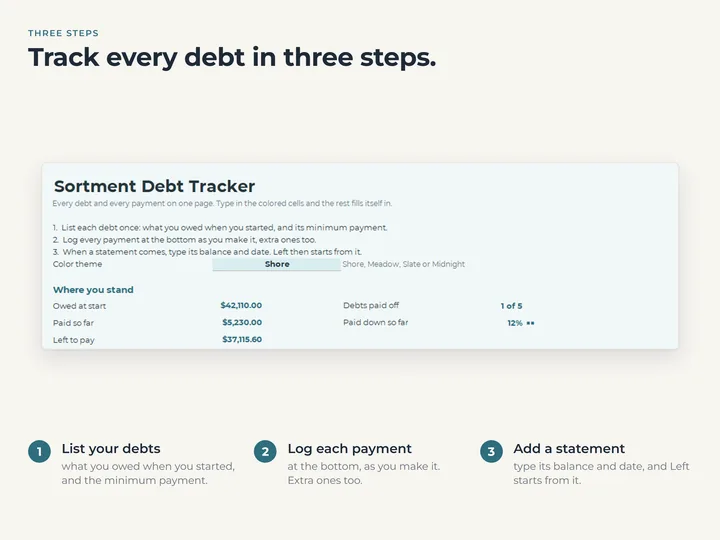
Owed at the start, paid so far, still left, how far you are to debt-free, and how many debts are paid off.
Statement balances, when you want them exact
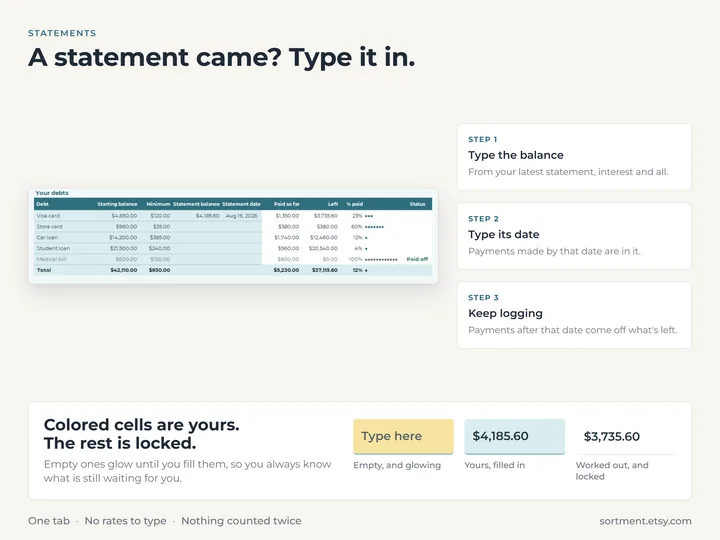
Type the balance and date from a statement, and any interest or fees the lender added come in with it.
What's in the download
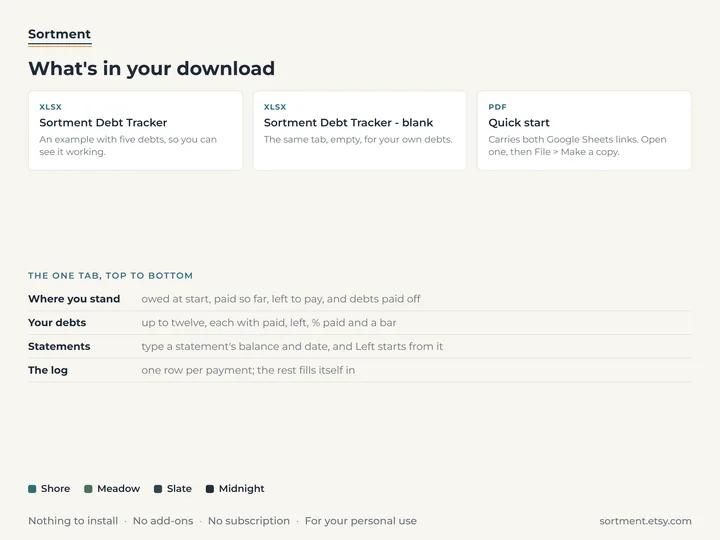
- One tab with room for 12 debts and a payment log underneath
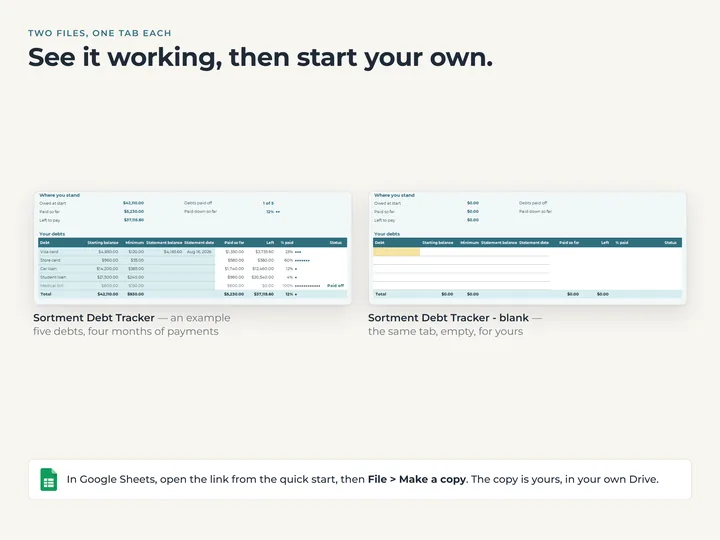
- A copy filled with example debts and payments, one already paid off
- A blank copy for your own debts
- A quick-start guide with the Google Sheets copies
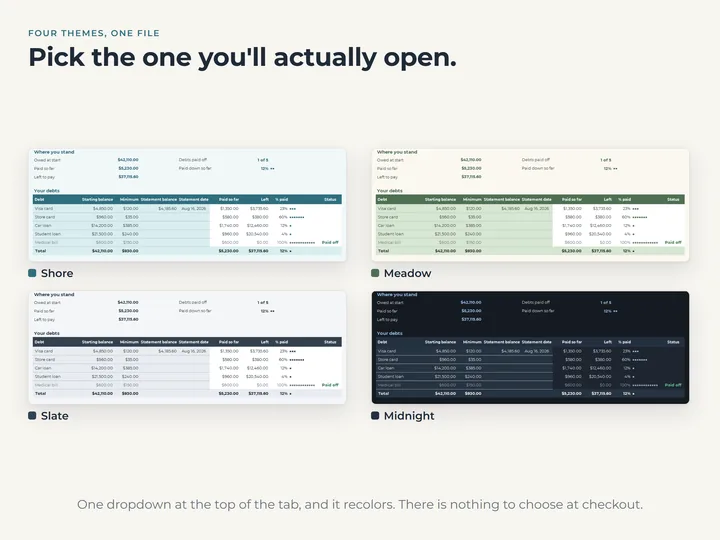
- Four color themes in one file
Who it's for
Anyone paying down cards, loans or a medical bill who wants a clear record of what's been paid. It records and adds up; it doesn't plan an order or a finish date.
Questions
Does it tell me which debt to pay first, or when I'll be done?
No. It records what you've paid and shows what's left. For an order and a finish date, the shop has a separate two-tab debt planner.
Does it work out interest?
No. When a statement arrives, type its balance and date and the tab works from that, so whatever the lender added is already counted. There are no rates to type.
Does it connect to my bank?
No. You type each payment, a few seconds each, and the tab does the adding up.