Every payday, worked out
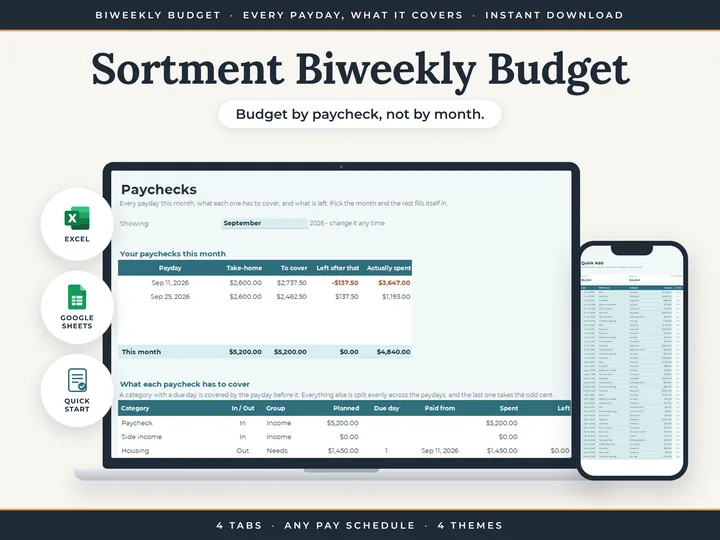
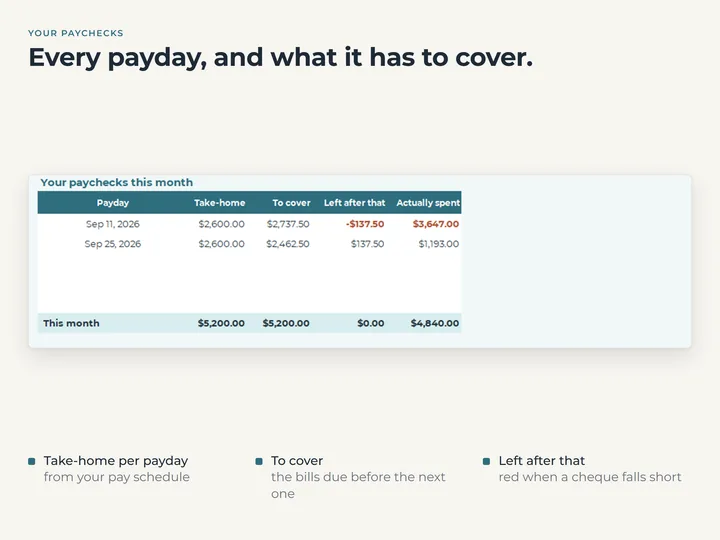
Pick a month and each payday in it appears, whether you're paid every two weeks, every week, twice a month or once a month.
Bills land on the right paycheck
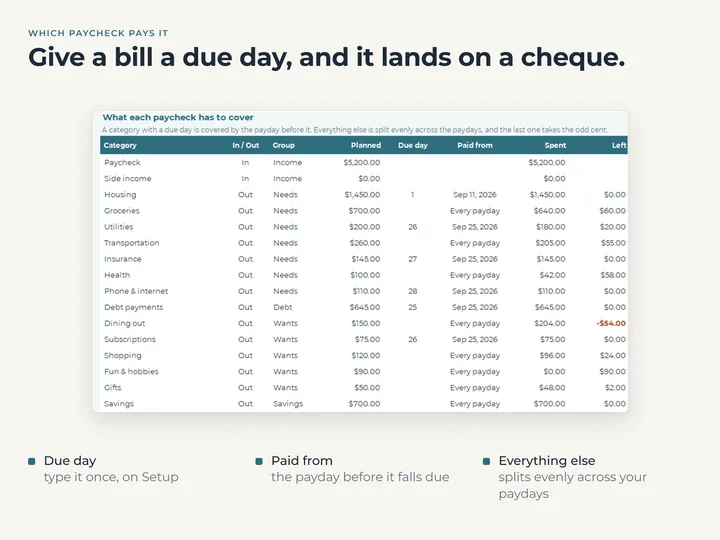
Give a bill a due day and the payday before it covers it. Everything else is split evenly across the month's paydays.
Plan once, not per paycheck
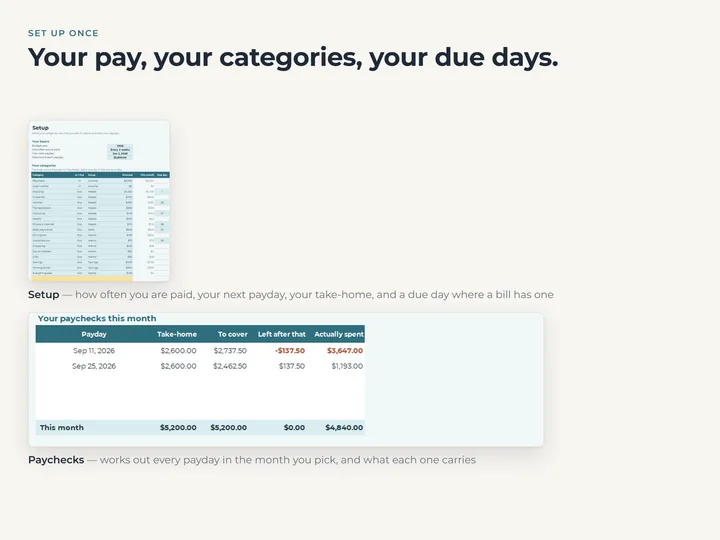
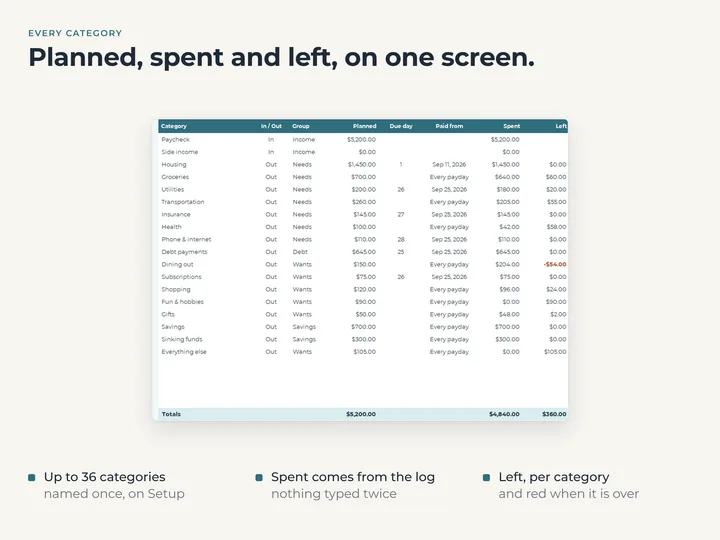
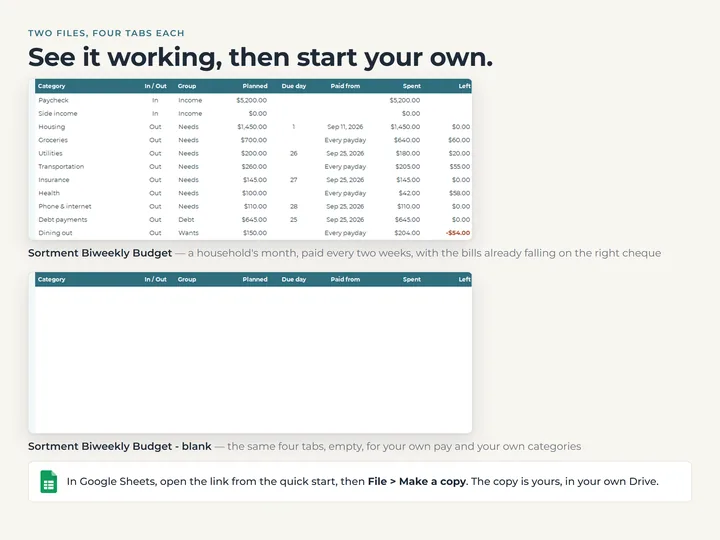
Each category is planned a single time on Setup, and Paychecks works out every paycheck's share.
The plan beside what happened
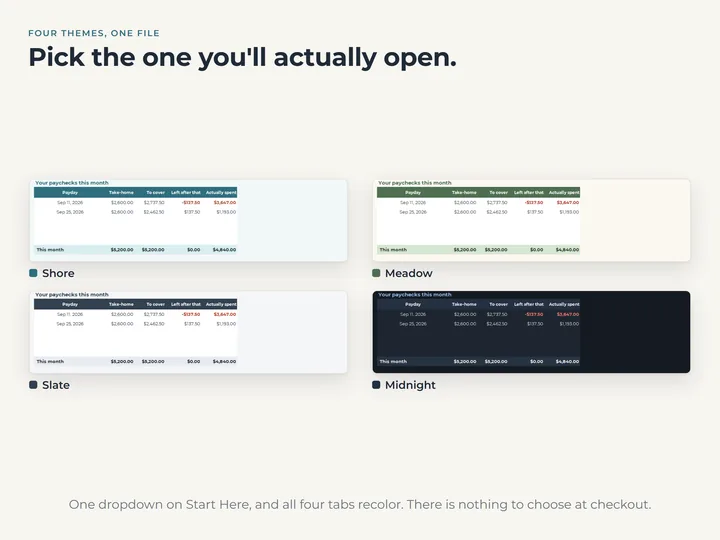
Actually spent shows what went out between one payday and the next, and a paycheck that comes up short reads red.
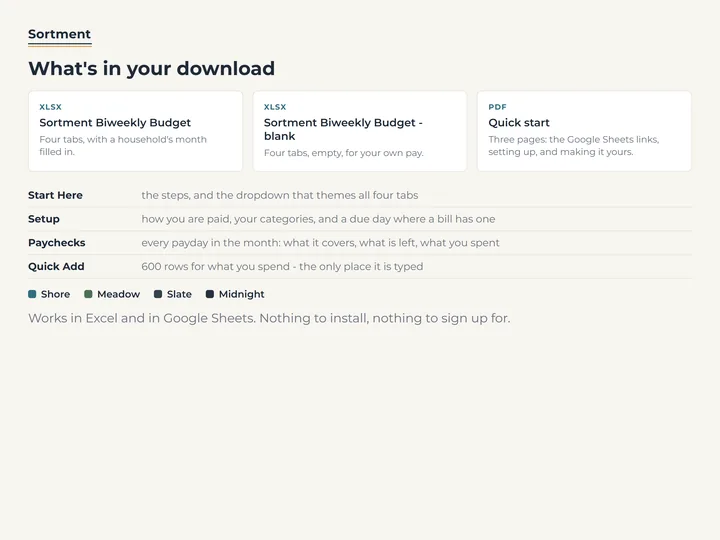
What's in the download
- Four tabs, Start Here, Setup, Paychecks and Quick Add
- A copy filled with an example month, and a blank one for your own pay
- A quick-start guide with the Google Sheets copies
- Four color themes in one file
Who it's for
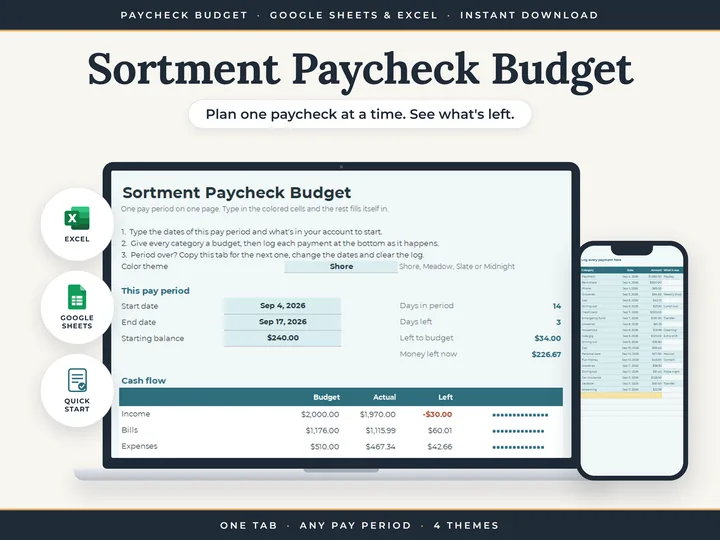
Anyone paid every two weeks, or on another regular schedule, who budgets by the paycheck rather than the month. To type your own period's start and end dates instead, the Paycheck Budget does that on one tab.
Questions
What happens in a month with three paydays?
It shows three rows. Bills with a due day land on the payday before them, and everything else splits three ways.
Will it remind me when a bill is due?
No. A due day places a bill on a paycheck, but a spreadsheet can't send a reminder, and nothing links to your bank.
Can I use it on my phone?
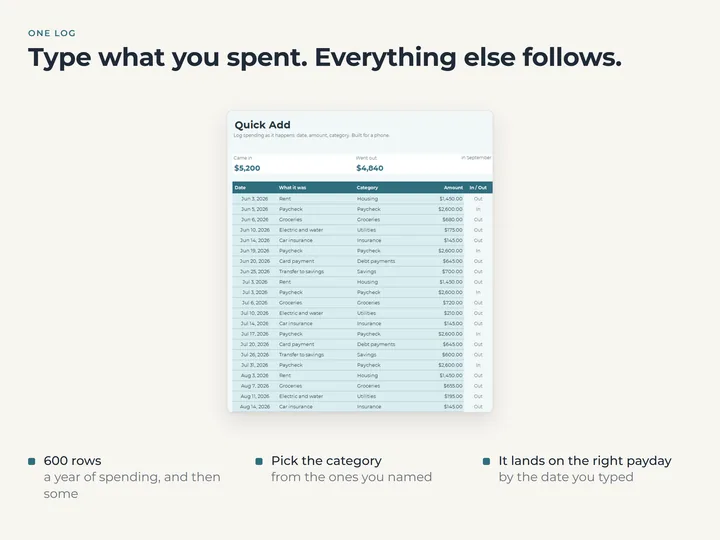
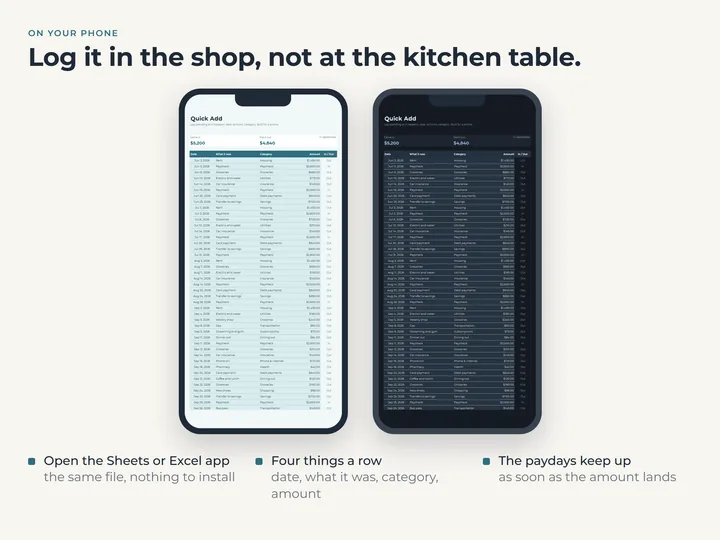
Yes. Quick Add is laid out for a phone, with a date, what it was, a category and an amount.