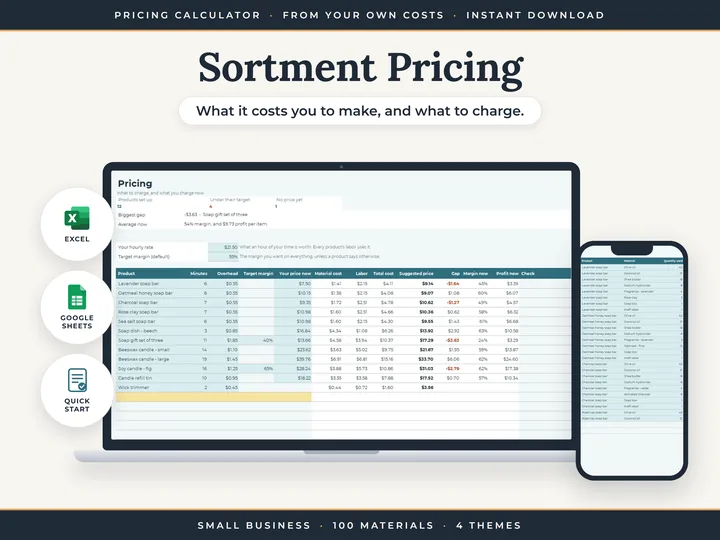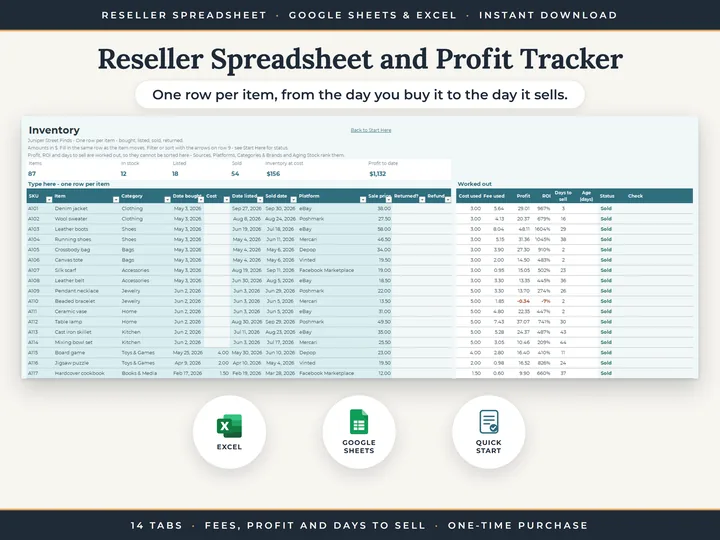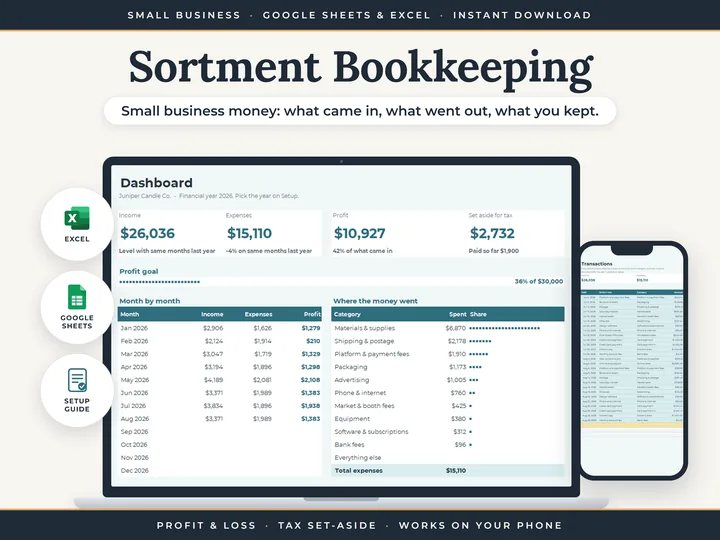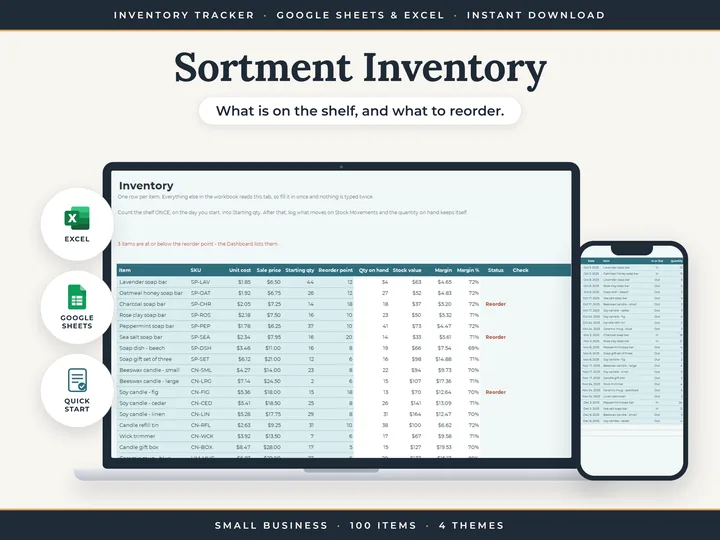
Counts you never retype
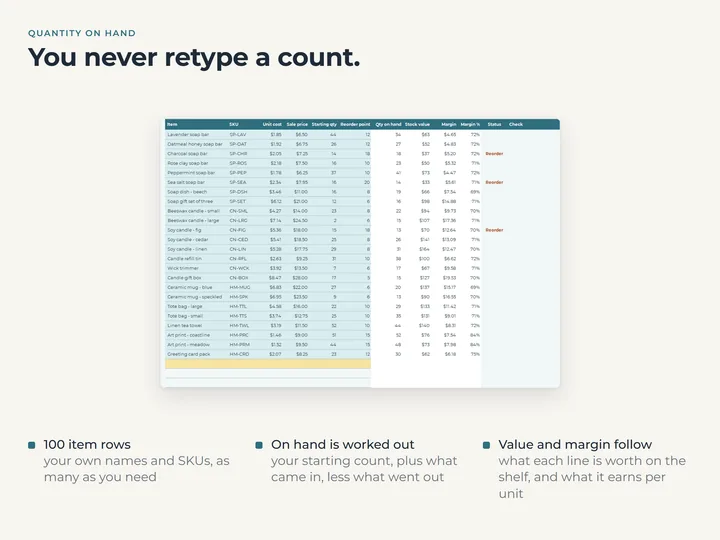
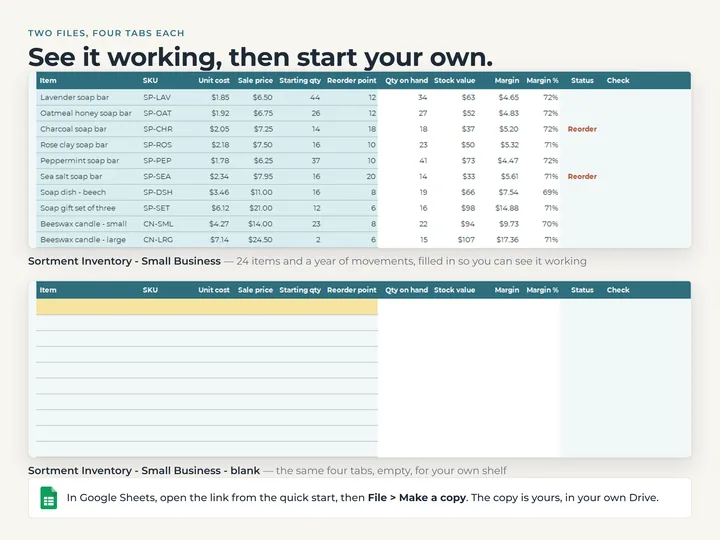
Quantity on hand is the starting count plus every movement in and out, worked out for you.
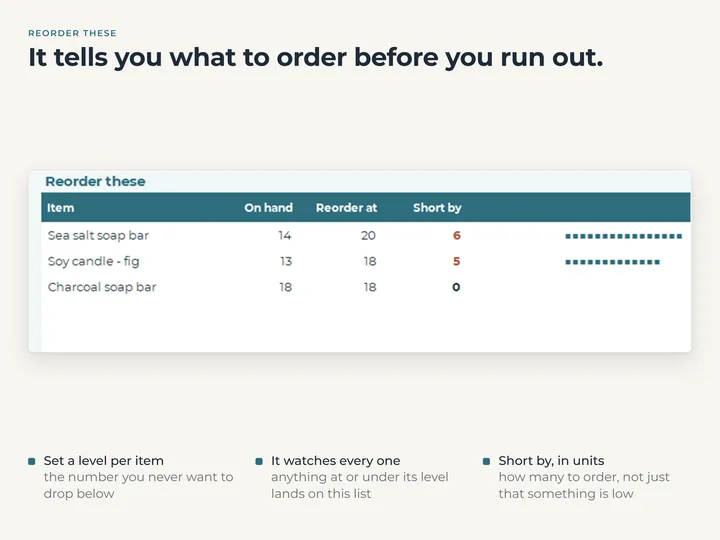
A reorder list
Any item at or below its reorder point reads Reorder, and the Dashboard lists them with how many units short.
Stock value and margin per item
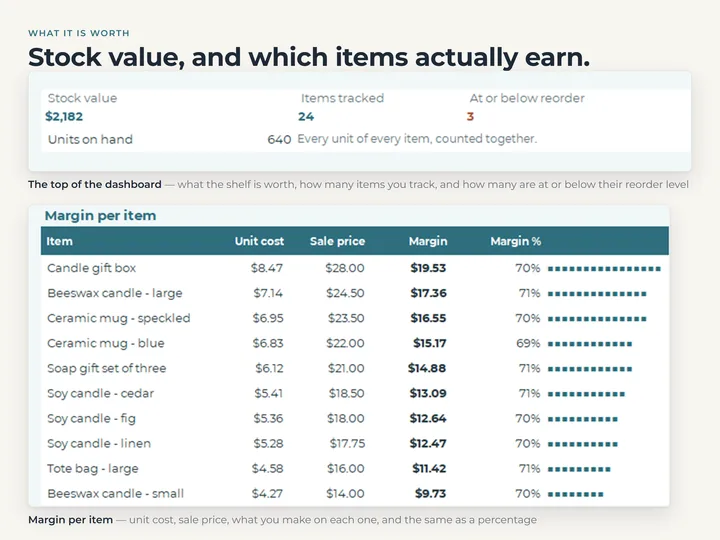
Each item's unit cost and the price you charge give its stock value and its margin, with the top ten on the Dashboard.
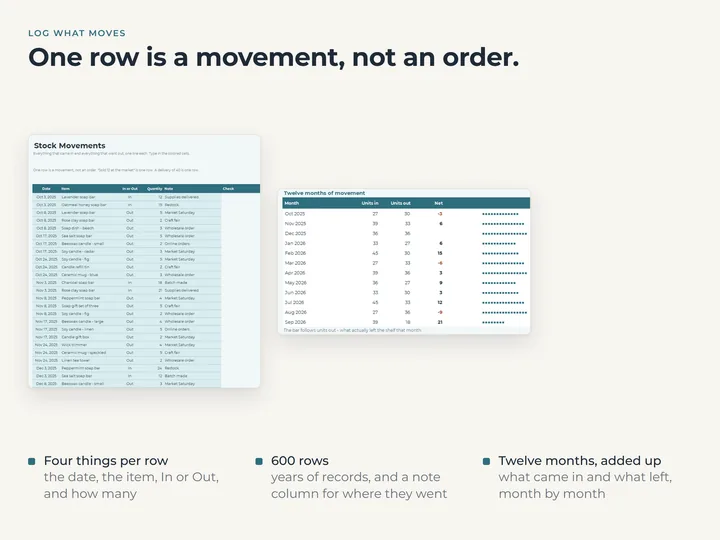
A year of movement
Twelve months of units in and units out, drawn as bars right in the cells.
What's in the download
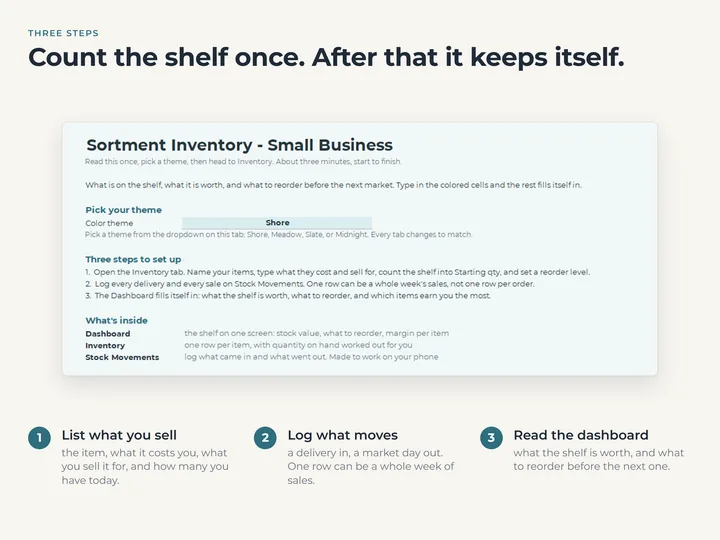
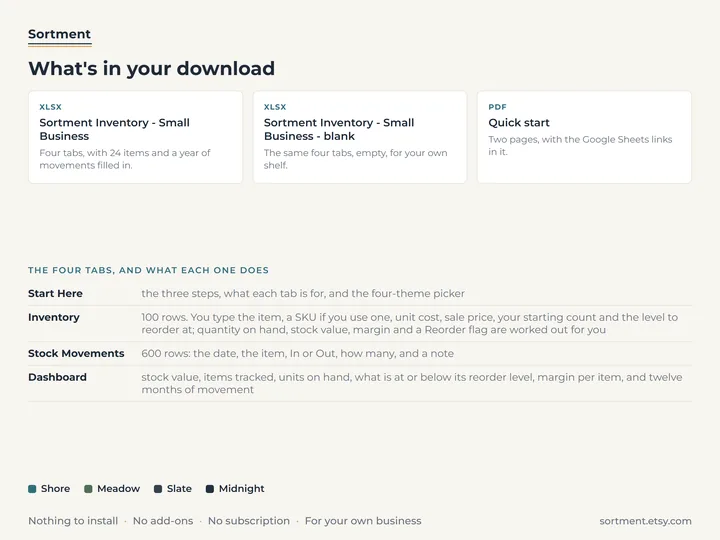
- Four tabs: Start Here, Inventory, Stock Movements and Dashboard
- Room for 100 items and 600 stock movements
- A copy filled with an example shelf of soaps, candles and home goods, and a blank one
- A quick-start guide with the Google Sheets copies
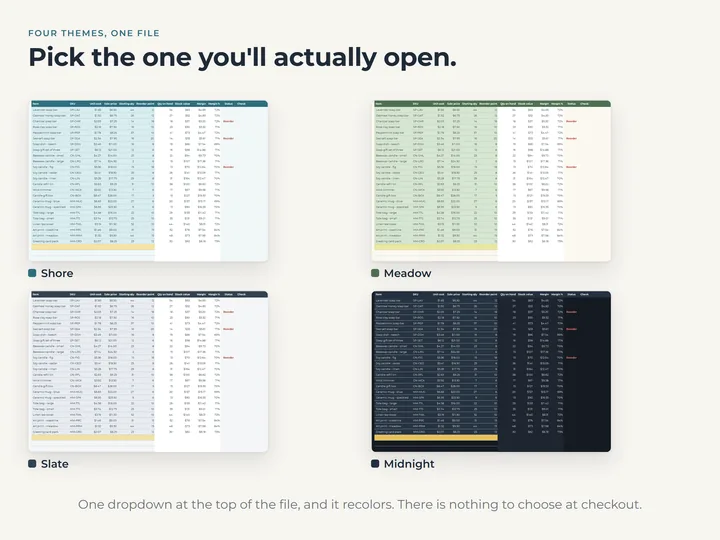
- Four color themes in one file
Who it's for
Makers and small shops that keep one shelf of stock and want to see what's running low without a full recount.
Questions
Do I have to count everything again each time?
No. Type each item's count once as its starting quantity, then log what comes in and goes out. The quantity on hand follows.
Does it pull in my sales from anywhere?
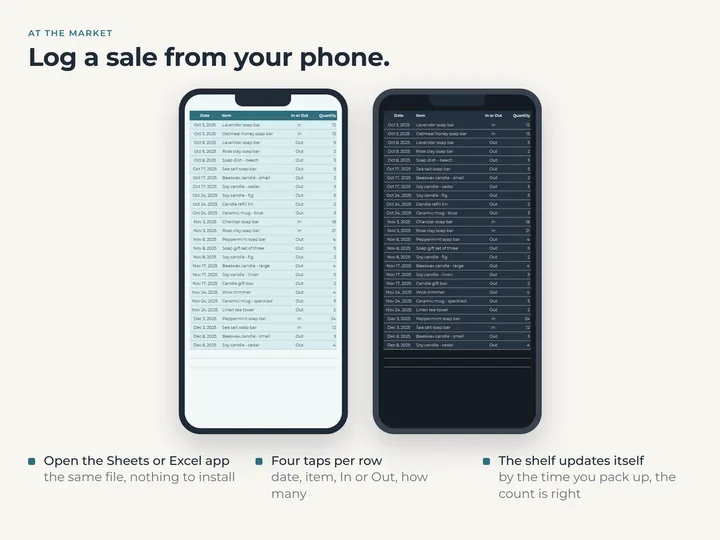
No. Every movement is typed on Stock Movements, which is laid out for the Google Sheets or Excel app on a phone.
Does an item sitting exactly on its reorder point count?
Yes. At or below the reorder point reads Reorder, and the Dashboard counts it.