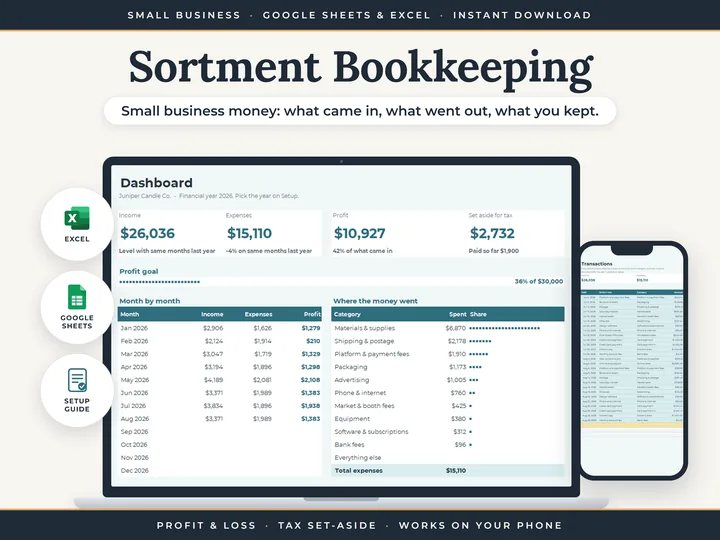
The year on one screen
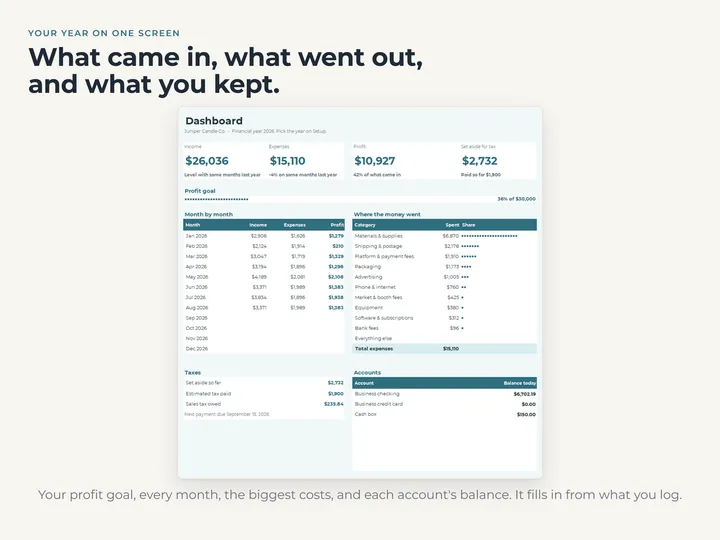
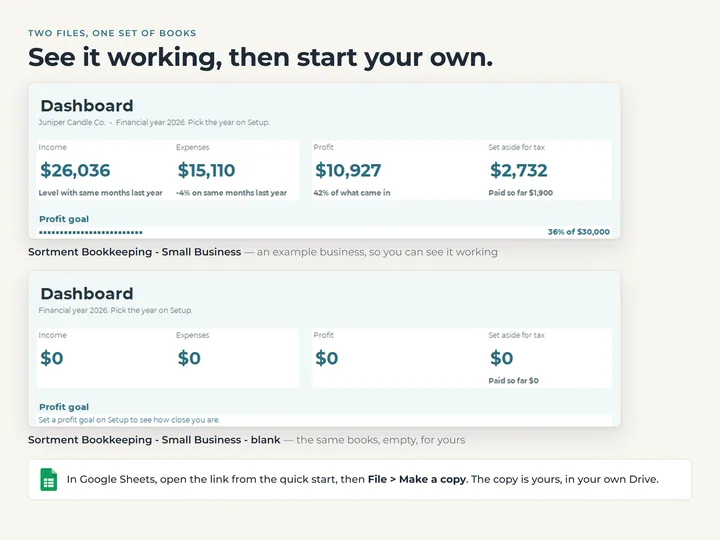
The Dashboard opens on income, expenses, profit and the tax set-aside, with your profit goal and account balances underneath.
A set-aside in your own percentage
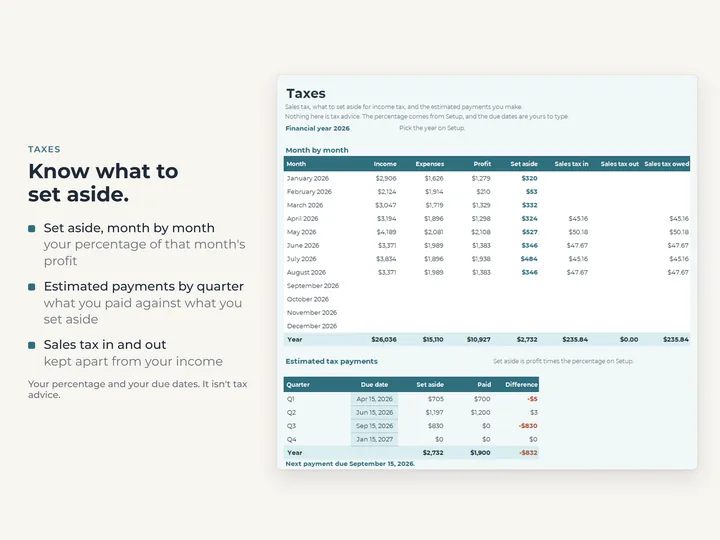
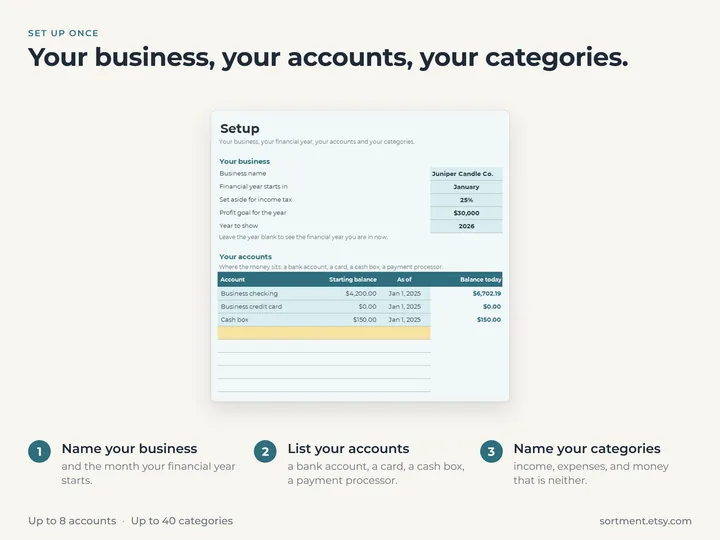
Type the percentage once on Setup, and the Taxes tab shows each month's amount and what you've paid by quarter.
Sales tax kept apart
Type any sales tax beside an amount and it comes out before the row counts, with tax in, out and owed shown each month.
Five years side by side
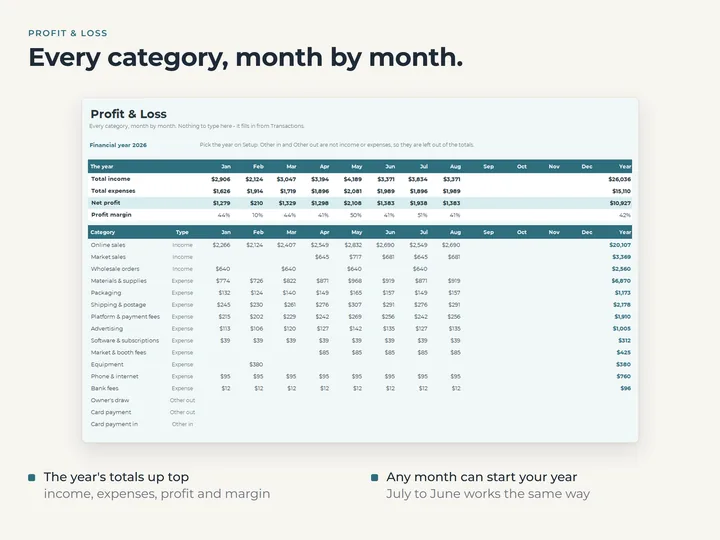
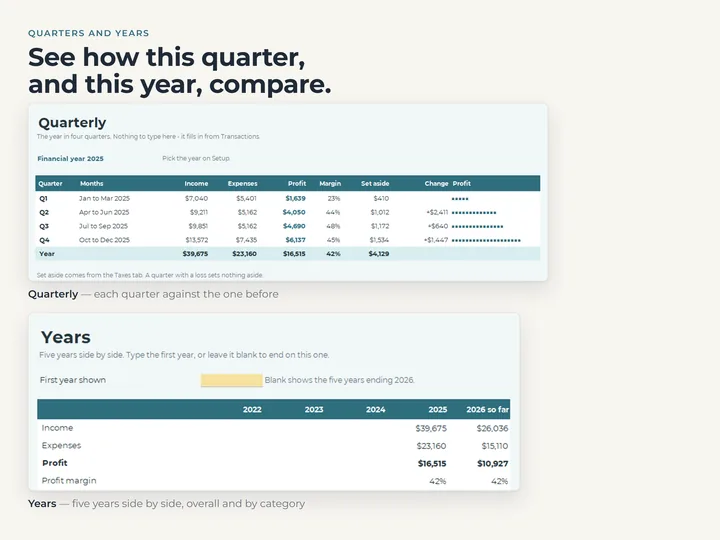
Years lines up income, expenses, profit and margin for five financial years, then every category for each.
What's in the download
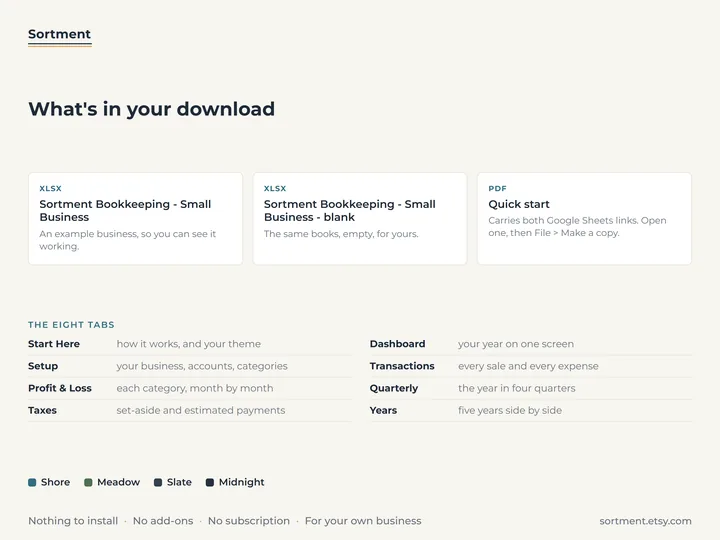
- Eight tabs: Start Here, Dashboard, Setup, Transactions, Profit & Loss, Quarterly, Taxes and Years
- Room for 8 accounts, 40 categories and 2,000 transactions
- A copy filled with an example candle business, and a blank one for yours
- A quick-start guide with the Google Sheets copies
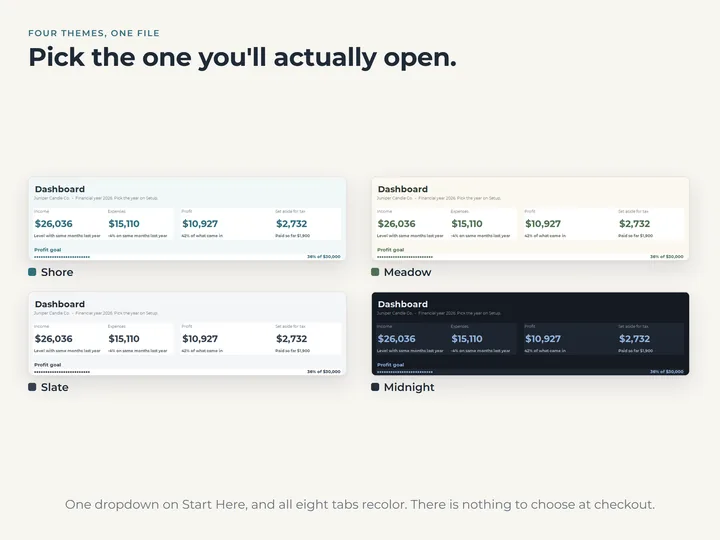
- Four color themes in one file
Who it's for
A small business owner who wants income, expenses, profit and a tax set-aside in one file instead of accounting software. It keeps the books, and leaves invoicing, inventory, mileage and payroll out.
Questions
Does it connect to my bank?
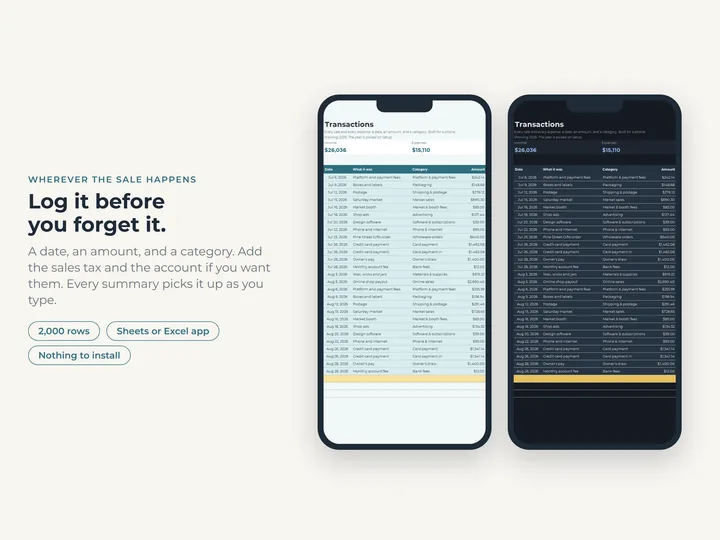
No. You type each amount that came in or went out, and the workbook adds it up. Nothing is linked to an account or imported.
Can my year start in a month other than January?
Yes. Pick the month on Setup and every tab follows it, so a year from April to March reads as one year.
Is this tax advice?
No. The percentage you set aside and your due dates are yours to type, from your accountant or tax authority. The sheet only does the arithmetic.