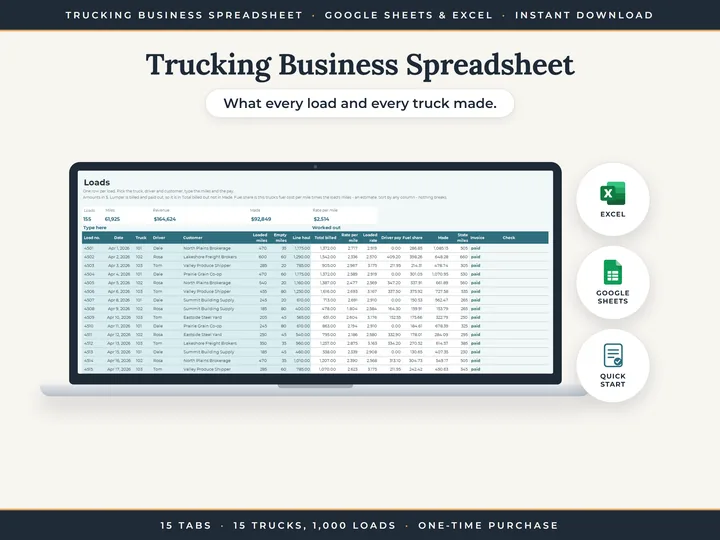
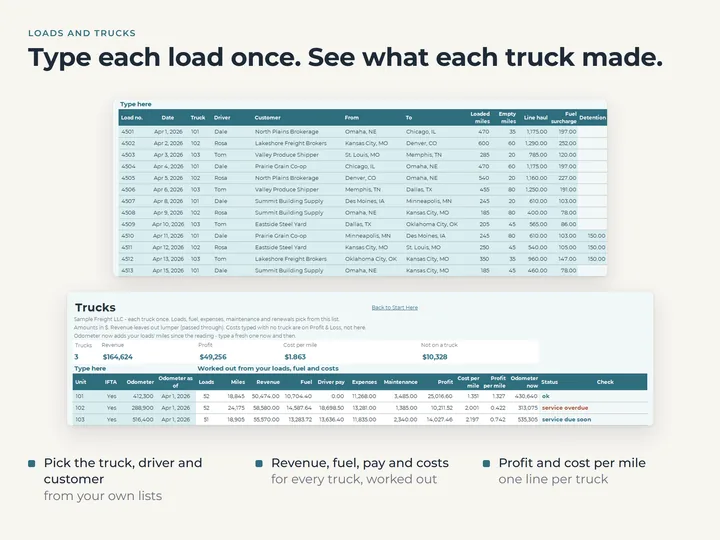
Every load and what it made
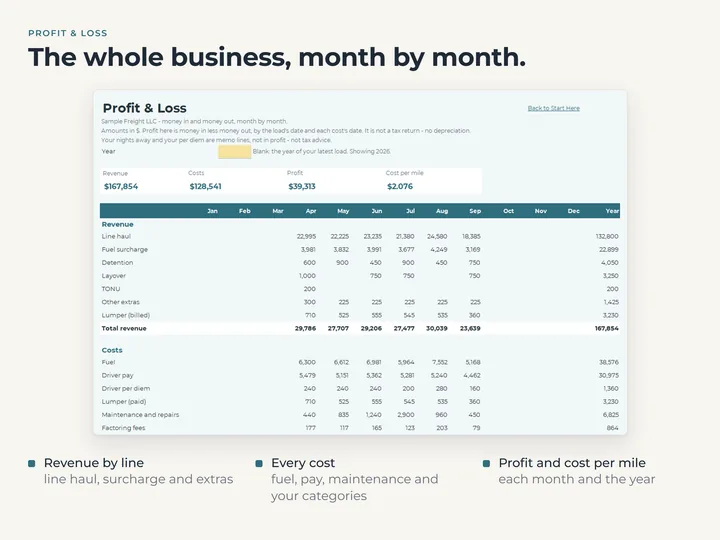
Line haul, fuel surcharge and extras on one row, with the rate per mile, the driver's pay and a fuel share taken off.
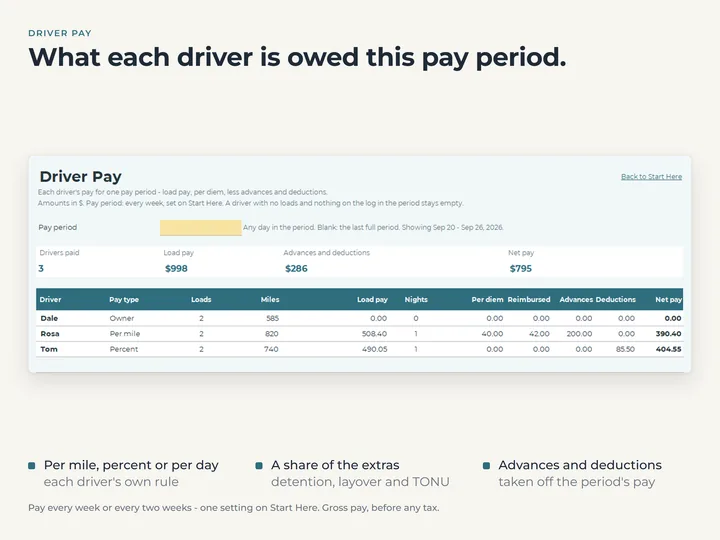
Driver pay your way
Pay by the mile, by percent or by the day, with a share of detention, layover and TONU, plus per diem, advances and deductions, weekly or every two weeks.
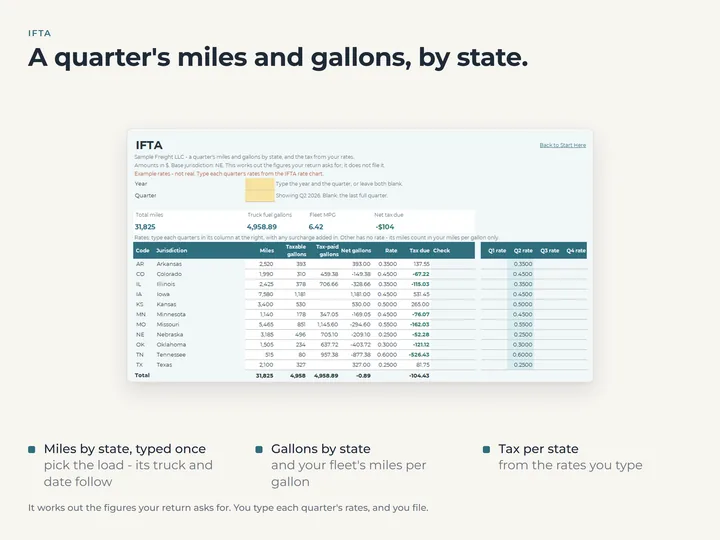
IFTA from rates you type
Miles and fuel by state add up for each quarter, with fleet miles per gallon and the tax per state from your own rates. No rates are built in, and nothing is filed for you.
Invoices, service and renewals
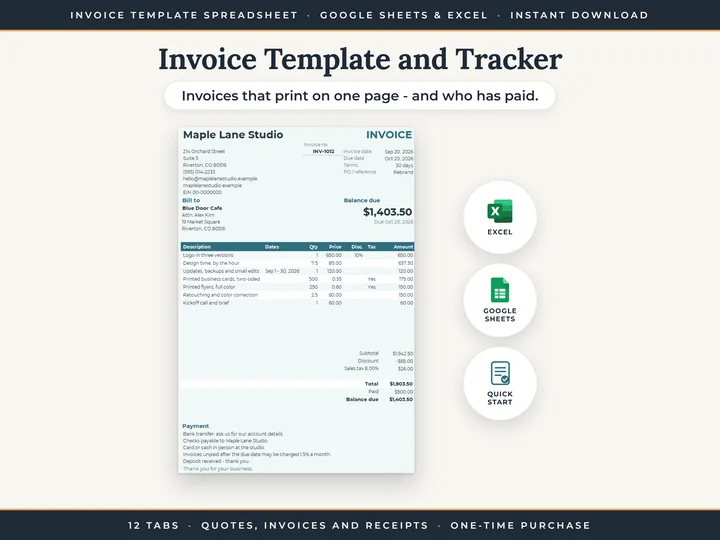
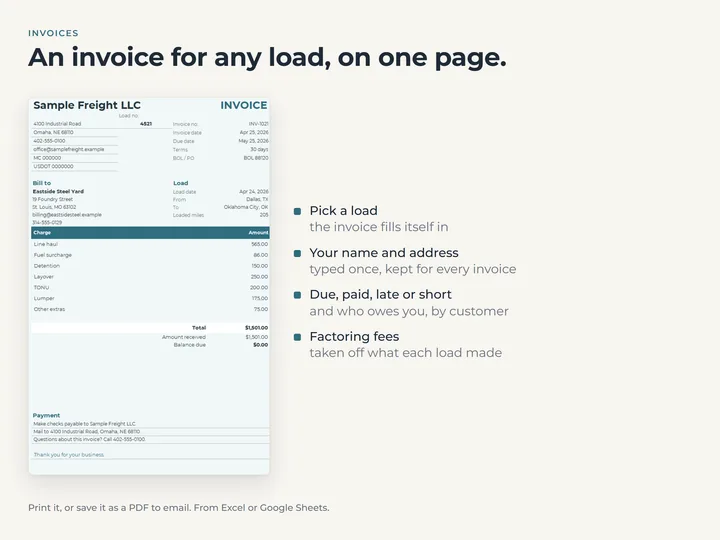
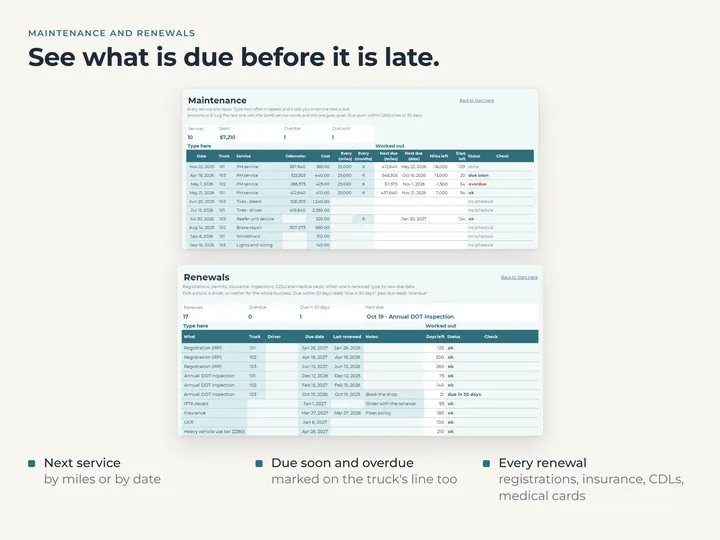
Print an invoice for any load and see who is late paying. Maintenance shows each truck's next service by miles or date, and Renewals marks what is due within 30 days.
What's in the download
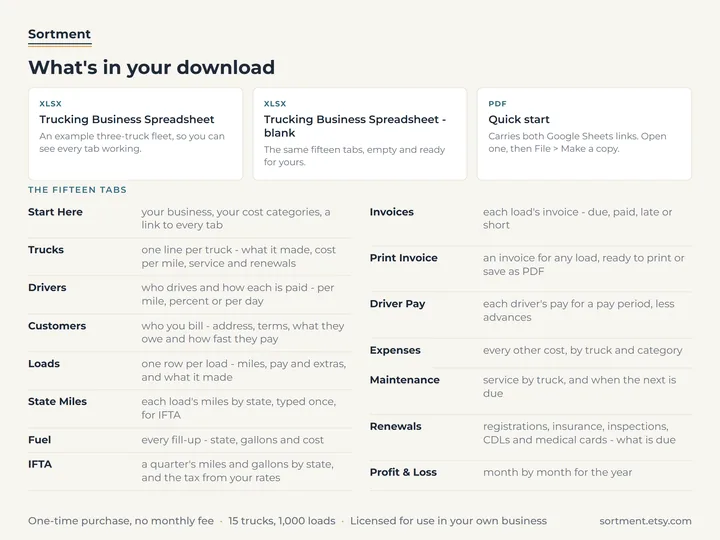
- Fifteen tabs, including Loads, Driver Pay, IFTA, Print Invoice and Profit & Loss
- Room for 15 trucks, 20 drivers, 100 customers and 1,000 loads
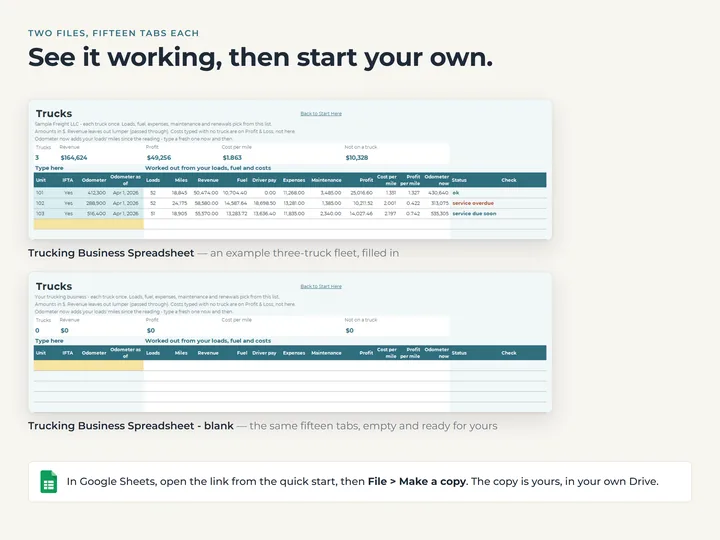
- A copy filled with an example three-truck fleet, and a blank one for yours
- A quick-start guide with the Google Sheets copies
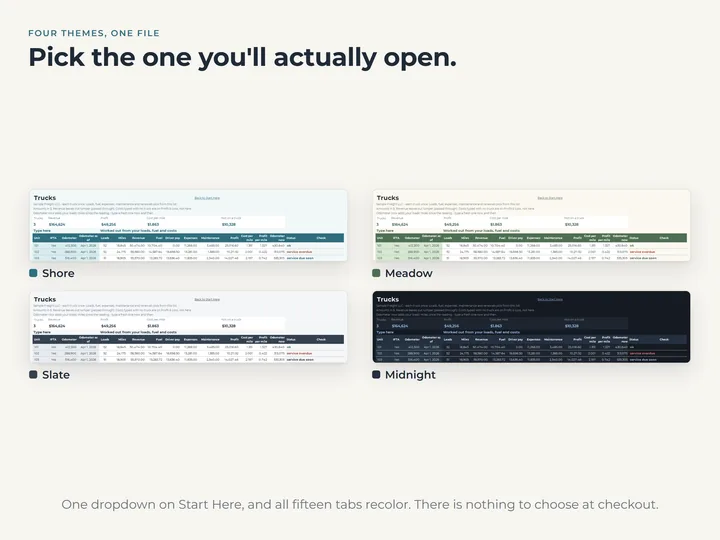
- Four color themes in one file
Who it's for
Owner operators and small fleets of up to 15 trucks who want loads, pay, invoices and costs kept together in one workbook.
Questions
Does it come with the IFTA tax rates?
No. You type each state's rate for the quarter, and the IFTA tab works out the tax per state from them.
Does it handle tax withholding or pay stubs?
No. Driver Pay shows gross pay for each period, with advances, deductions and reimbursements.
Does it work in Google Sheets and Excel?
Yes, both, including older versions of Excel. The quick-start guide has the links to make your Google Sheets copies.