One row per stay
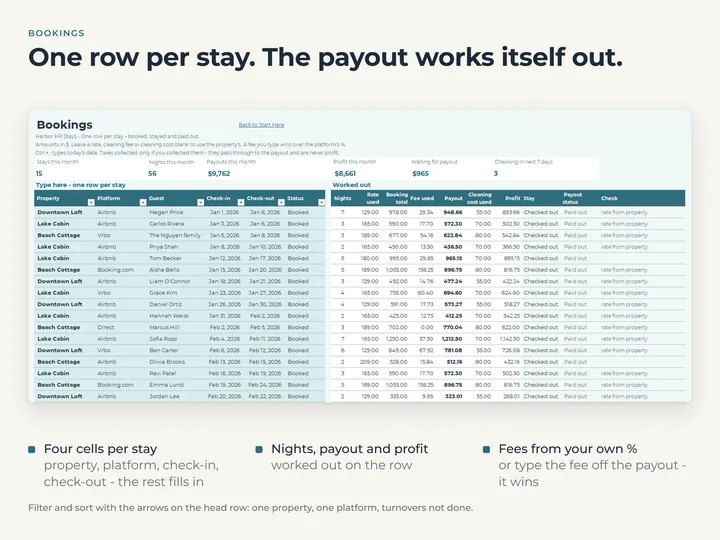
Property, platform, check-in and check-out. Nights, payout and profit are worked out on the row, with platform fees from the rates you set.
Each property's numbers on one page
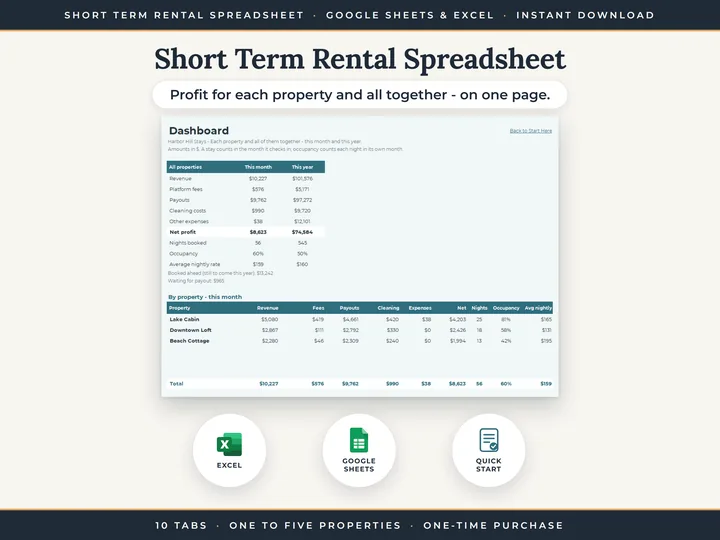
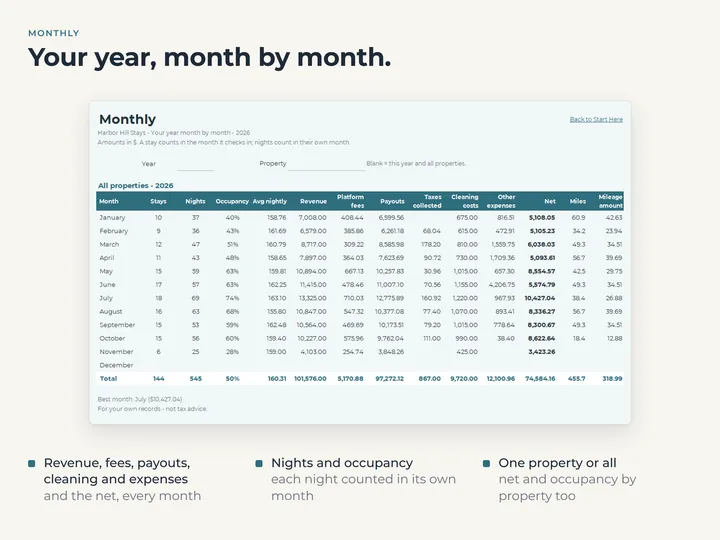
The Dashboard shows revenue, fees, payouts, cleaning, expenses, net profit, occupancy and average nightly rate, this month and this year.
A calendar of booked nights
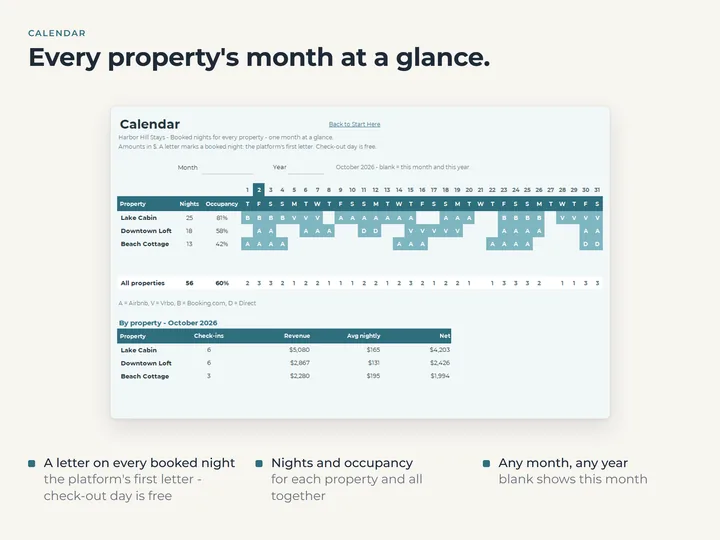
One row per property and one column per day, with a night booked twice marked so you can catch it.
Turnovers in order
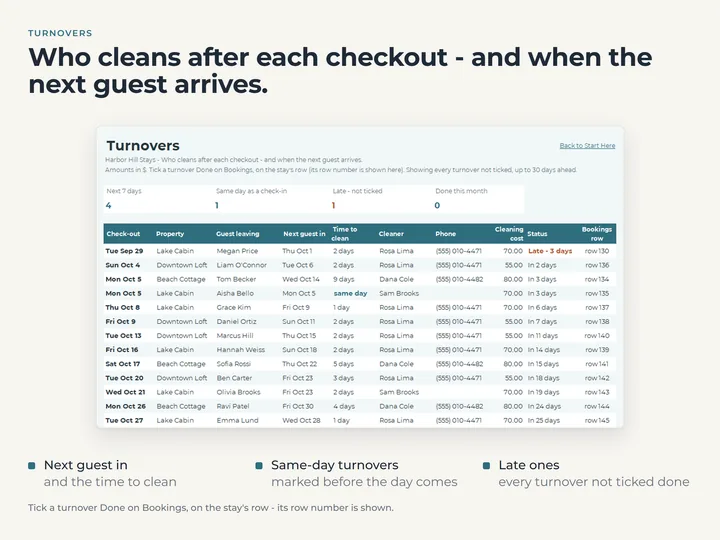
Every checkout not yet done, with the next guest in, the time to clean, the cleaner and the cost. Same-day and late ones stand out.
What's in the download
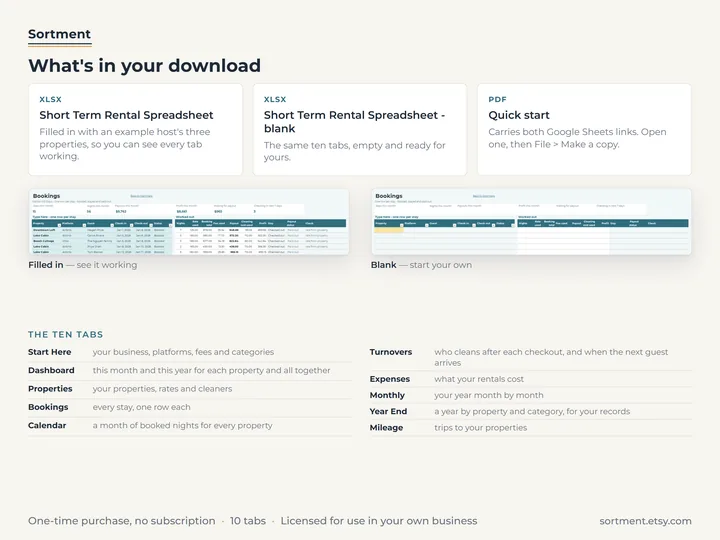
- Ten tabs, including Dashboard, Bookings, Calendar, Turnovers, Expenses, Monthly, Year End and Mileage
- Room for five properties, 600 stays, 400 expenses and 200 trips
- A copy filled with an example host's year, and a blank one
- A quick-start guide with the Google Sheets copies
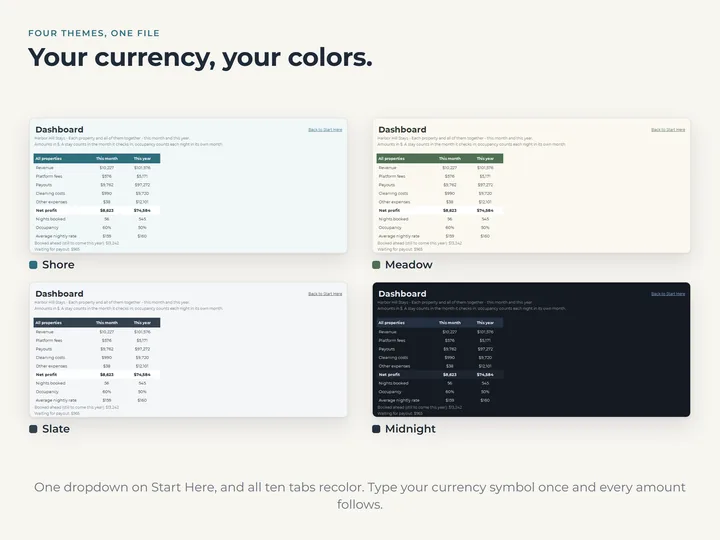
- Four color themes, and your own currency
Who it's for
Hosts with one to five short-term rentals who want to see what each place makes after fees and cleaning. For monthly rent and long-term tenants, the rental property spreadsheets are the ones to look at.
Questions
Do I have to type every booking?
Yes, one row per stay with the property, platform, check-in and check-out. Once a property's nightly rate is set, the rest is worked out.
How many properties does it hold?
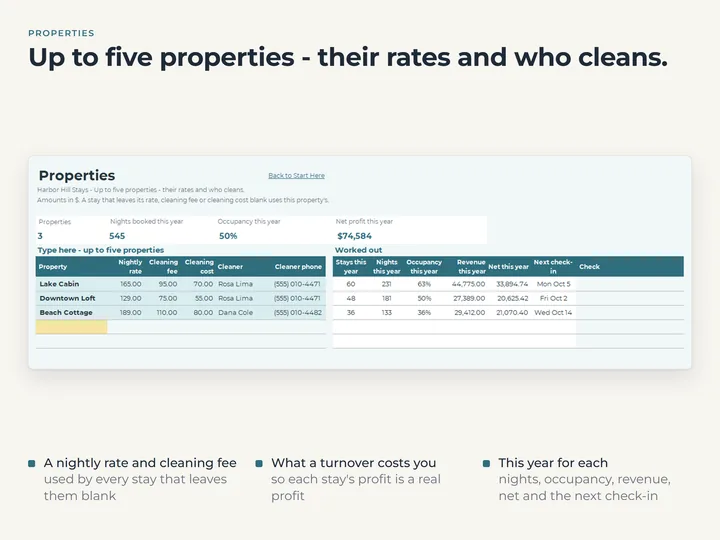
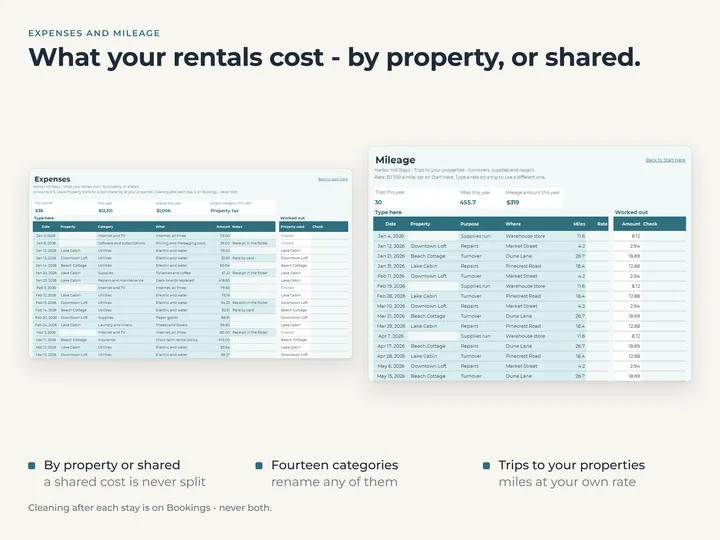
Up to five, each with its own nightly rate, cleaning fee and cleaning cost. Expenses with no property are shown as shared.
Can I block nights for my own use?
No. Occupancy counts every night of the period, so there is no blocked or owner-use night in it.
Goes well with
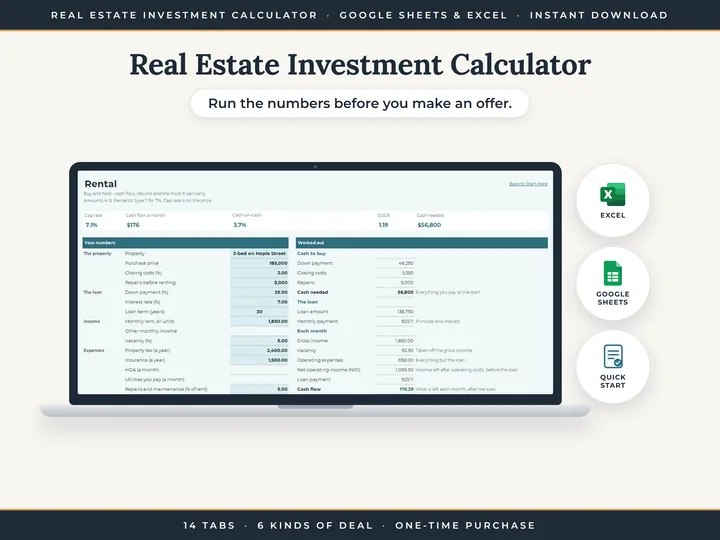 SpreadsheetReal Estate Investment CalculatorRentals, flips and BRRRRs, worked out from the numbers you type.
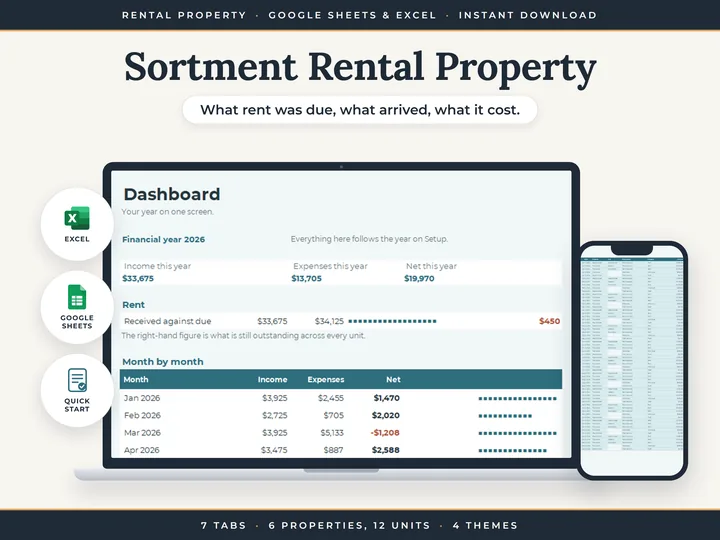 SpreadsheetRental Property BookkeepingRent due, rent received and every cost, property by property.
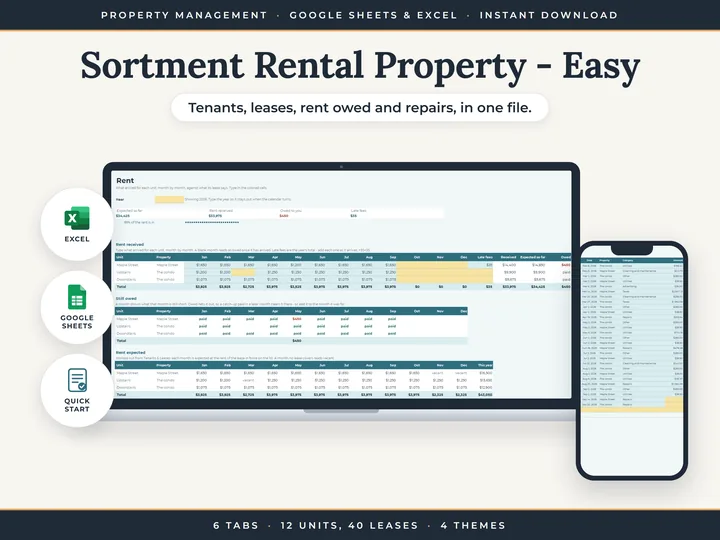 SpreadsheetEasy Rental Property SpreadsheetYour tenants, their leases and the rent they owe, in one file.