A tab for each strategy
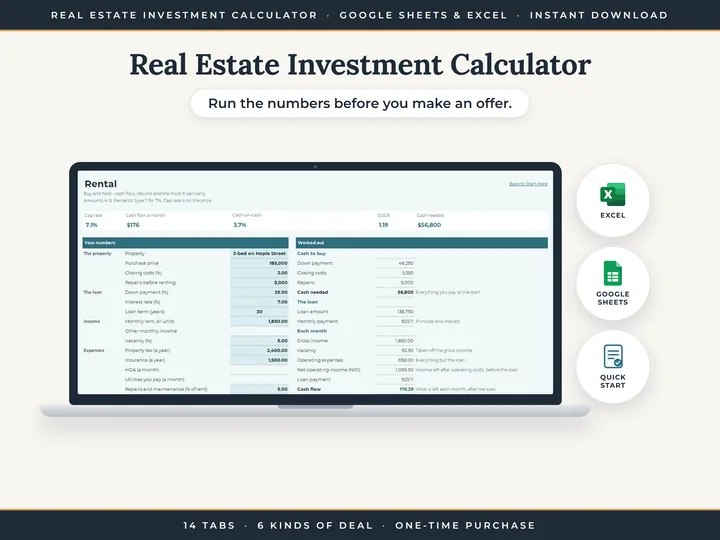
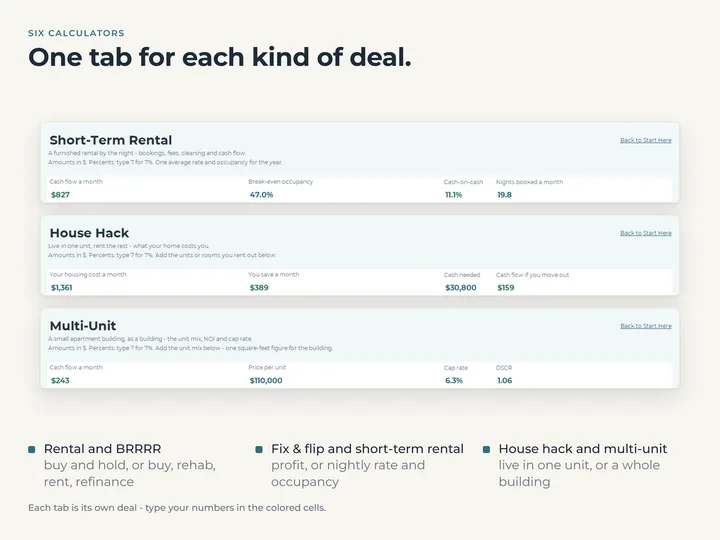
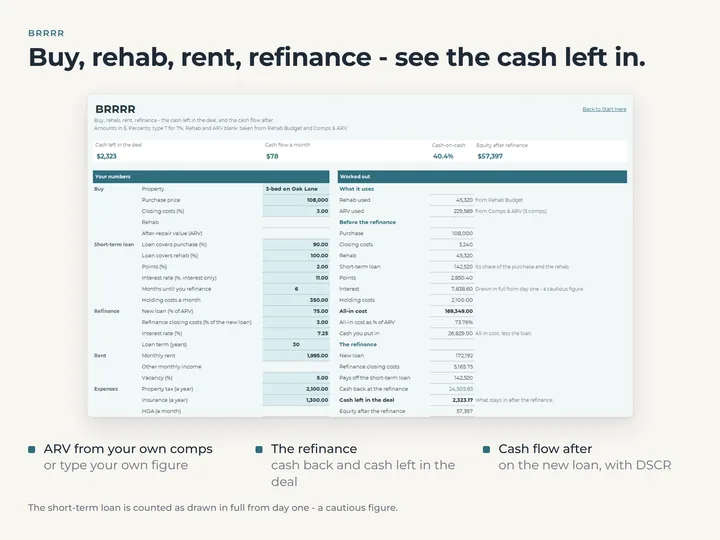
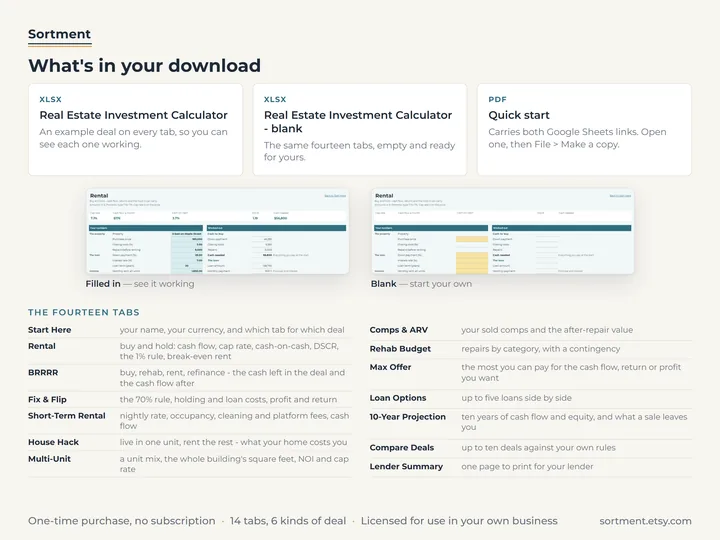
Rental, BRRRR, Fix & Flip, Short-Term Rental, House Hack and Multi-Unit each run their own numbers, from cash needed to monthly cash flow.
An after-repair value from your own comps
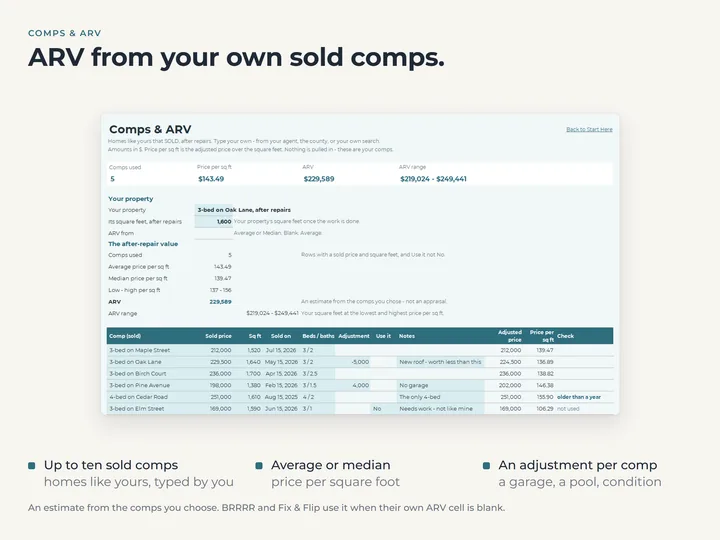
Type the sold homes you picked on Comps & ARV, and it estimates the after-repair value from their price per square foot.
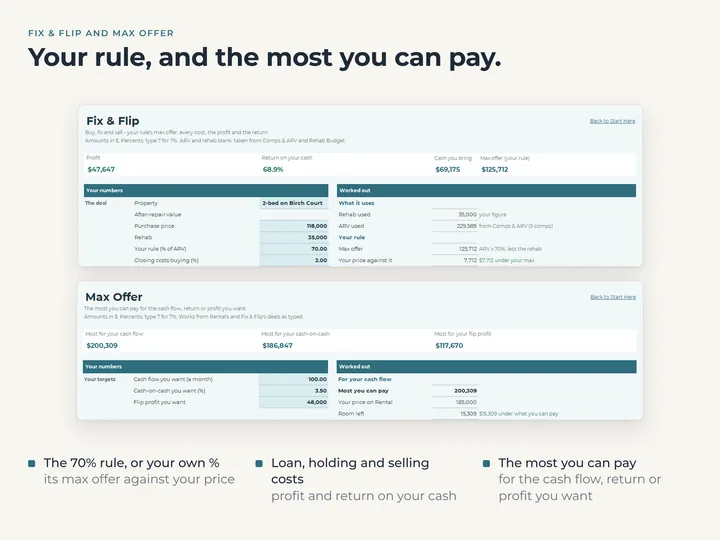
The most you can pay
Max Offer works back from the cash flow, cash-on-cash or flip profit you want to the highest price that gets you there.
Ten years, and five loans side by side
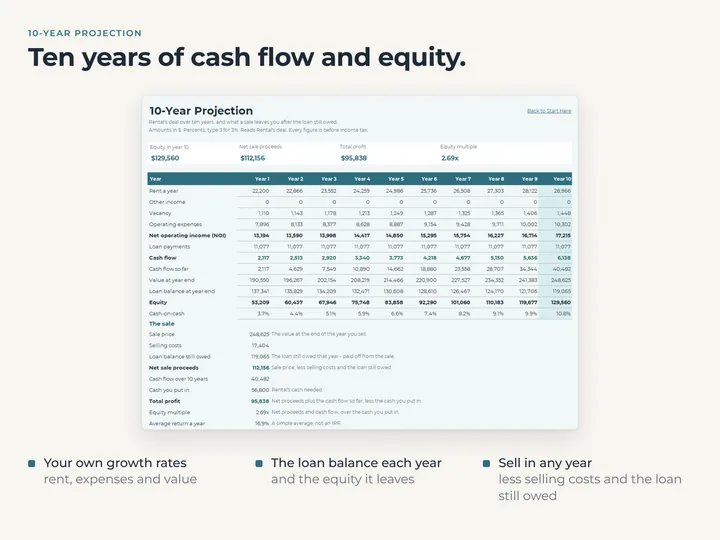
10-Year Projection follows the loan balance, equity and cash flow, and Loan Options compares payments and cash to close.
What's in the download
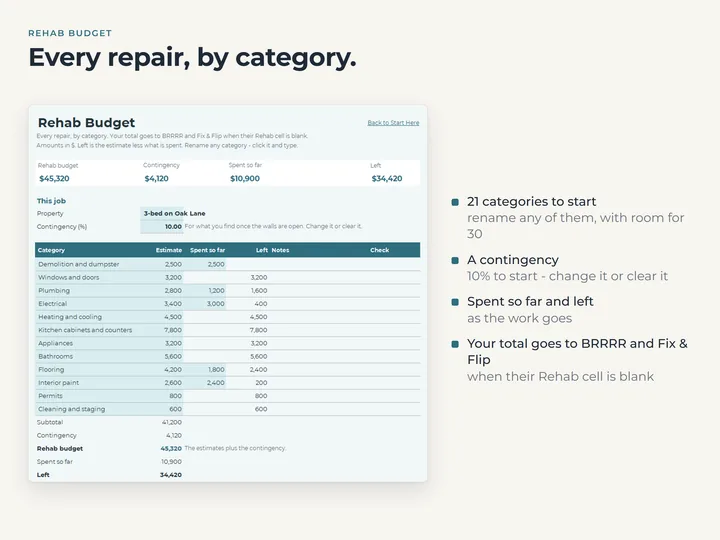
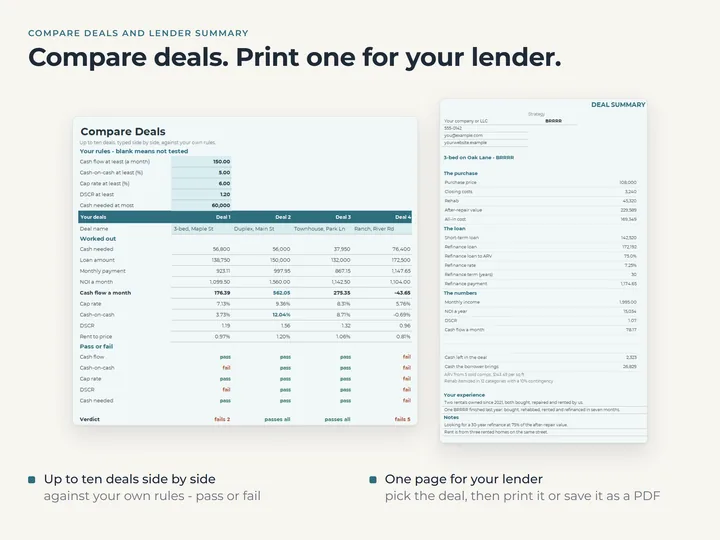
- Fourteen tabs, including Rehab Budget, Compare Deals and a one-page Lender Summary
- A copy filled with an example, and a blank one for yours
- A quick-start guide with the Google Sheets copies
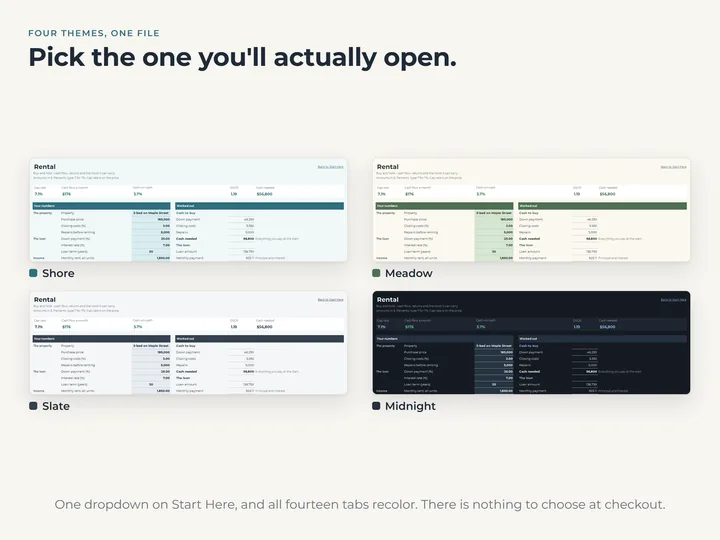
- Four color themes, and your own currency
Who it's for
Investors and first-time buyers who want to see the numbers on a property before they make an offer. It works out what you type, and the call stays yours.
Questions
Does it tell me whether to buy?
No. It works out the numbers from what you type, and Compare Deals checks them against rules you set. The decision is yours.
Do I have to find the comps myself?
Yes. You type up to ten sold homes you chose, and Comps & ARV works out an estimate from them. Nothing is looked up for you.
How do I type an interest rate?
As the number, so 7 for 7 percent. A rate typed as 0.07 turns the warning row red, so it gets caught.
Goes well with
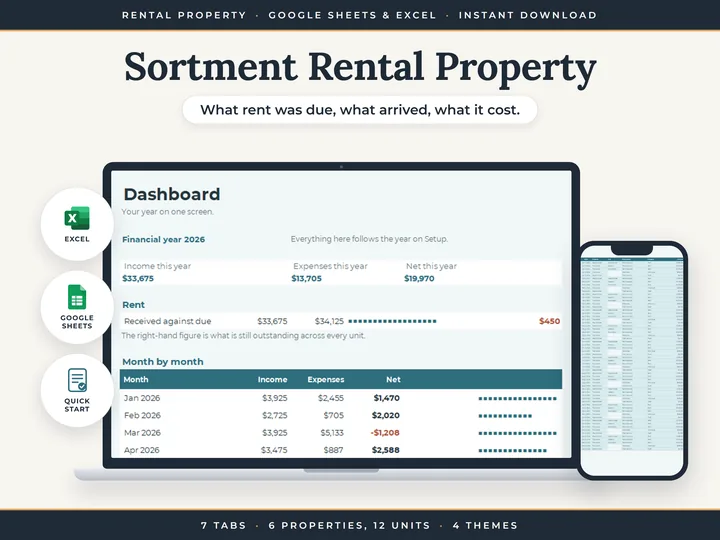 SpreadsheetRental Property BookkeepingRent due, rent received and every cost, property by property.
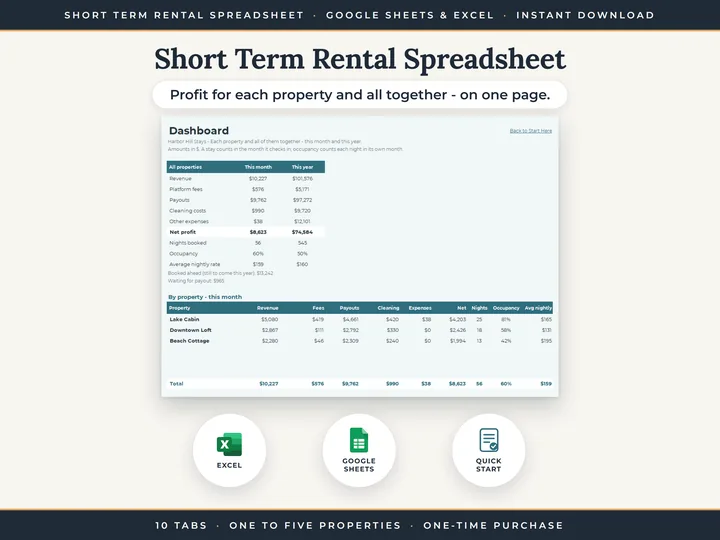 SpreadsheetShort Term Rental SpreadsheetEvery stay, its payout and its profit, for up to five properties.
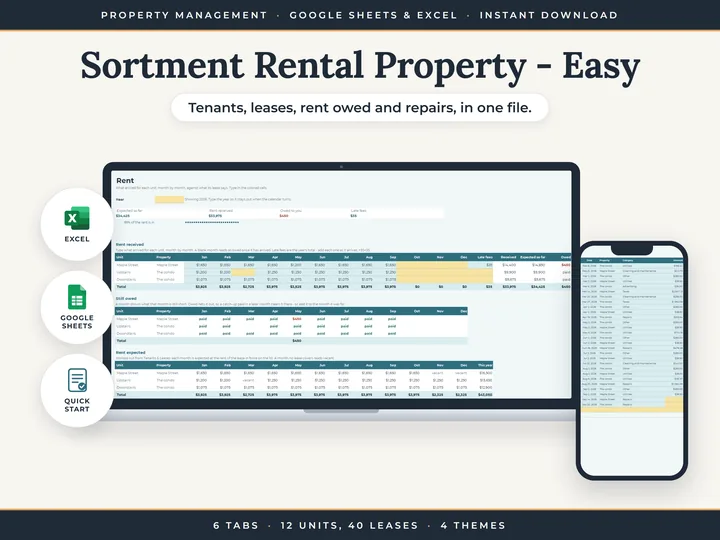 SpreadsheetEasy Rental Property SpreadsheetYour tenants, their leases and the rent they owe, in one file.