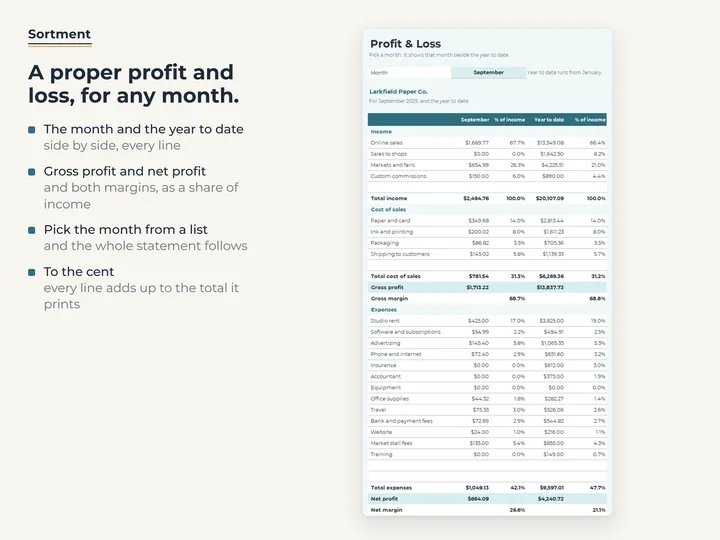
Any month beside the year to date
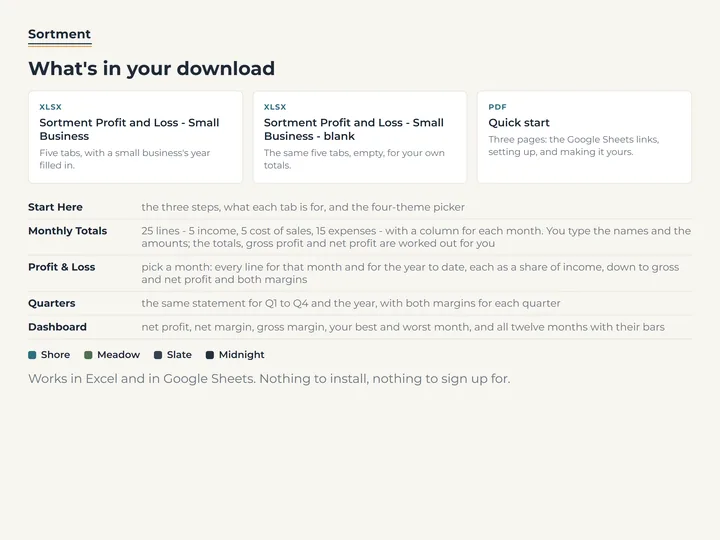
Pick a month and every line shows that month and the year so far, each as a percent of income, down to net margin.
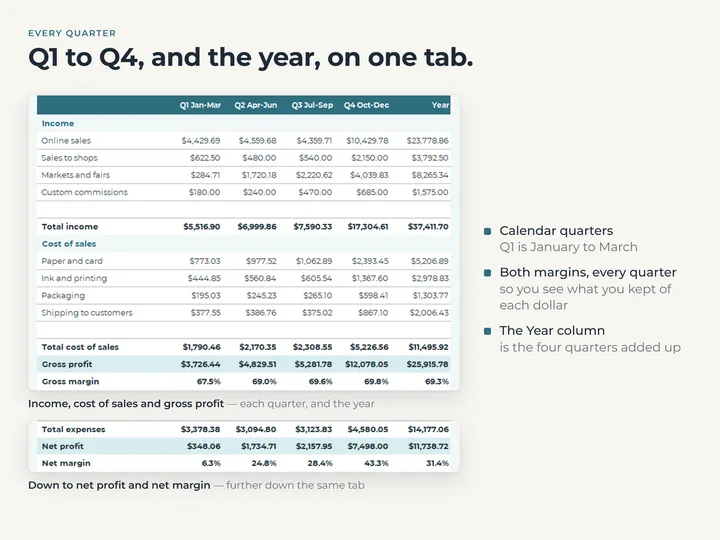
Quarters in columns
The same statement for each calendar quarter and the full year, with gross and net margin for each.
The year on one screen
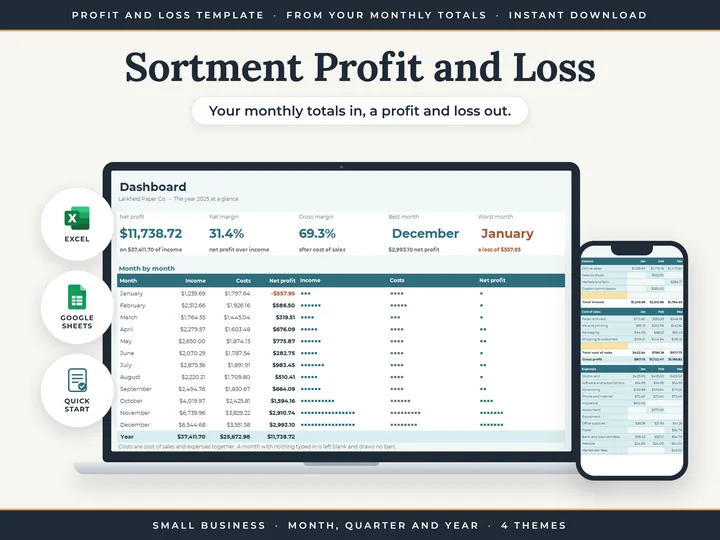
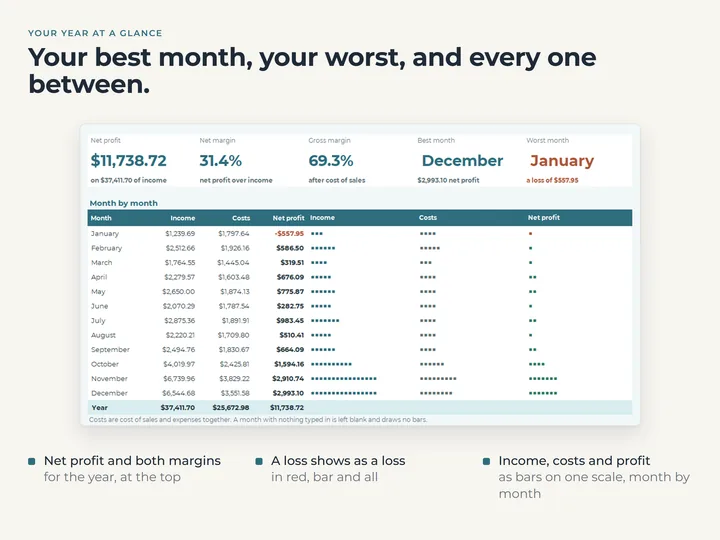
The Dashboard shows net profit, both margins and your strongest and weakest month, with bars for every month and any loss in red.
Margins that are yours
Every percentage is your own figure over your own income, and nothing says what a margin ought to be.
What's in the download
- Five tabs: Start Here, Monthly Totals, Profit & Loss, Quarters and Dashboard
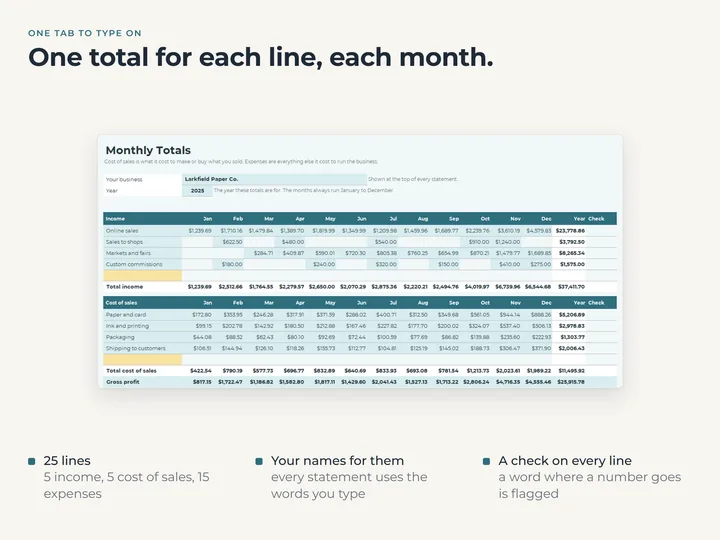
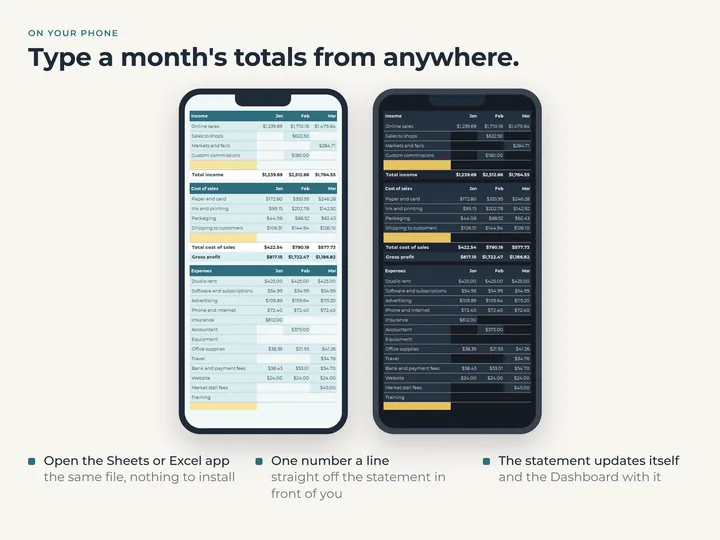
- Five lines for income, five for cost of sales and fifteen for expenses, named by you
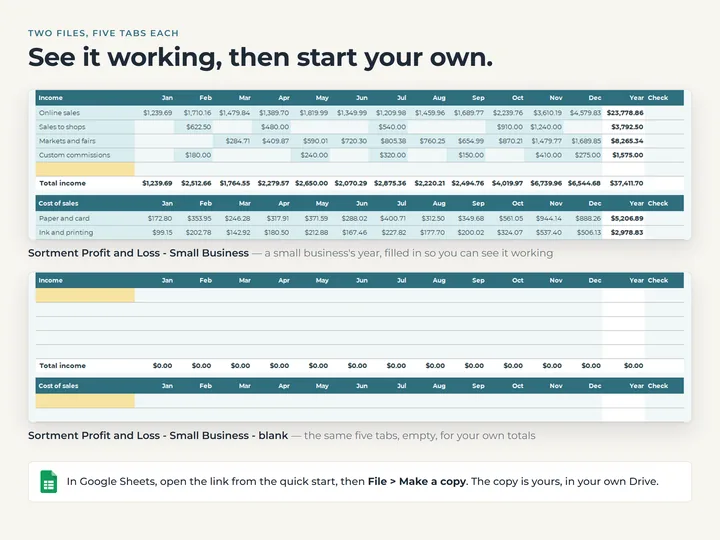
- A copy filled with an example print and stationery business, and a blank one
- A quick-start guide with the Google Sheets copies
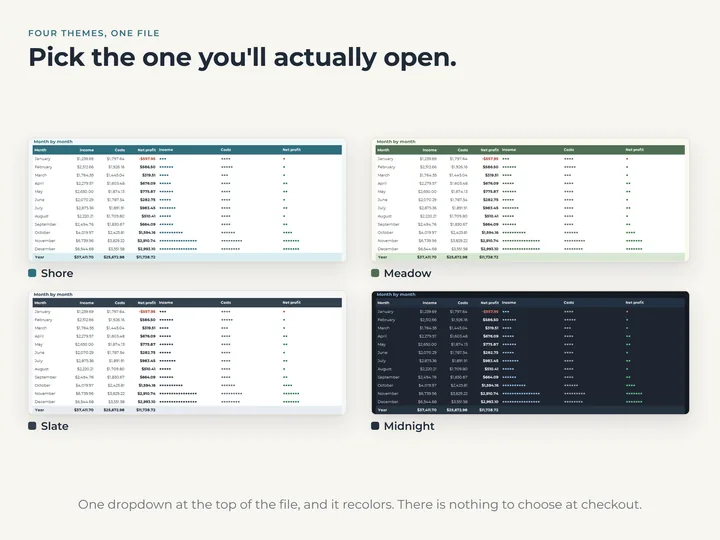
- Four color themes in one file
Who it's for
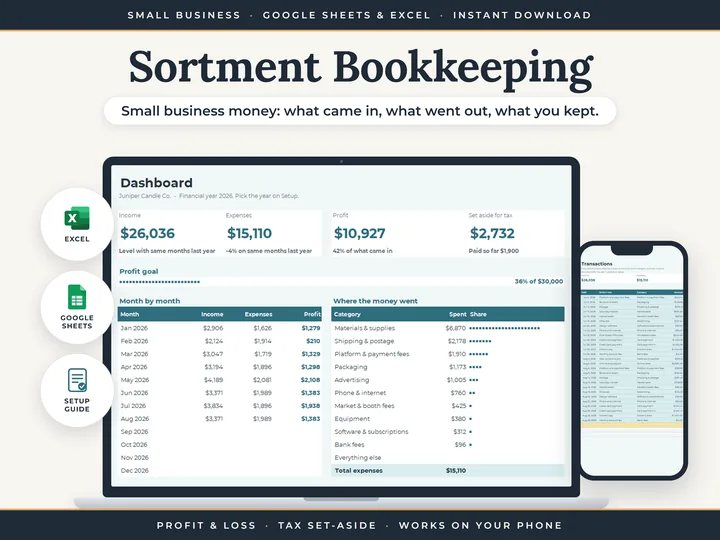
A small business owner with monthly figures from a bank statement, a card reader or payout reports who wants them laid out as a profit and loss. To log every transaction instead, Small Business Bookkeeping builds the statement from a ledger.
Questions
Where do the monthly totals come from?
Wherever you already have them, such as a bank statement, a card reader's report, a payout report or your accountant's figures. One number per line per month is all it needs.
Does it work out tax?
No. It adds up what you type and is not a tax return. Treat it as your own summary of the year for whoever does your taxes.
Can I compare two years?
One file holds one year, January to December. Keep a copy for each year, and the quick-start shows how to start the next with your line names kept.