Profit, every month
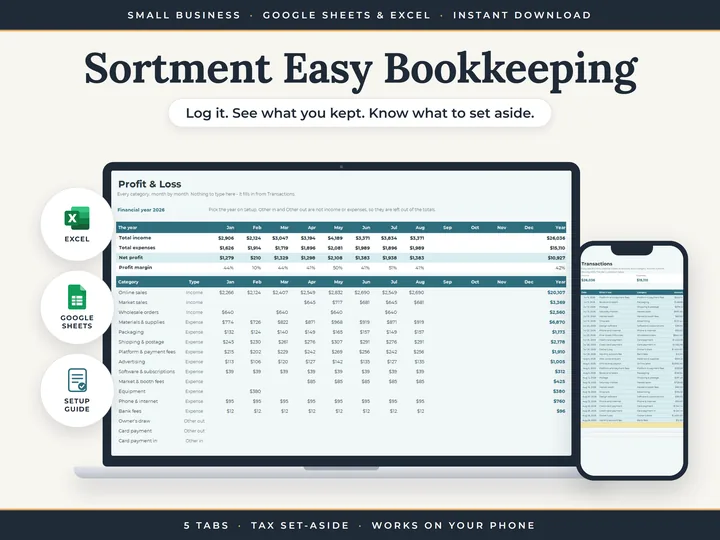
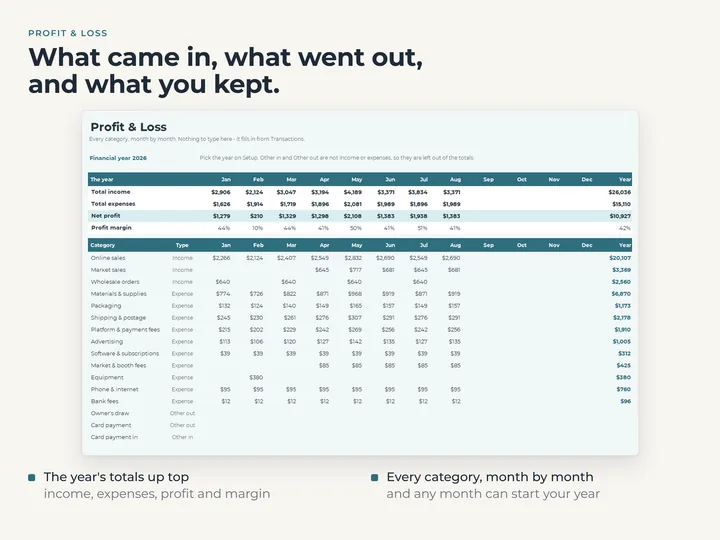
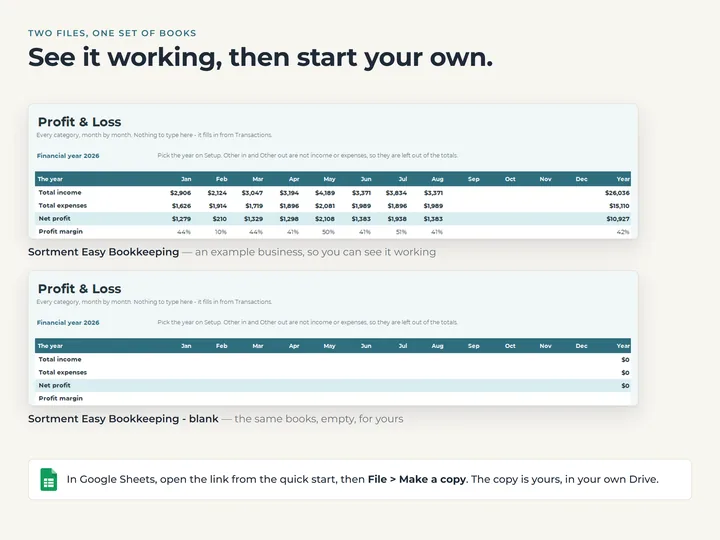
Profit & Loss opens on the year's income, expenses, net profit and margin, then shows every category for every month.
A set-aside in your own percentage
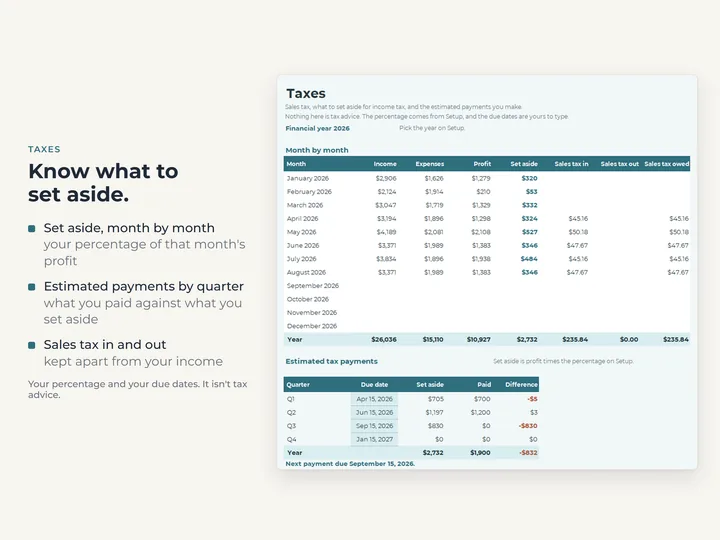
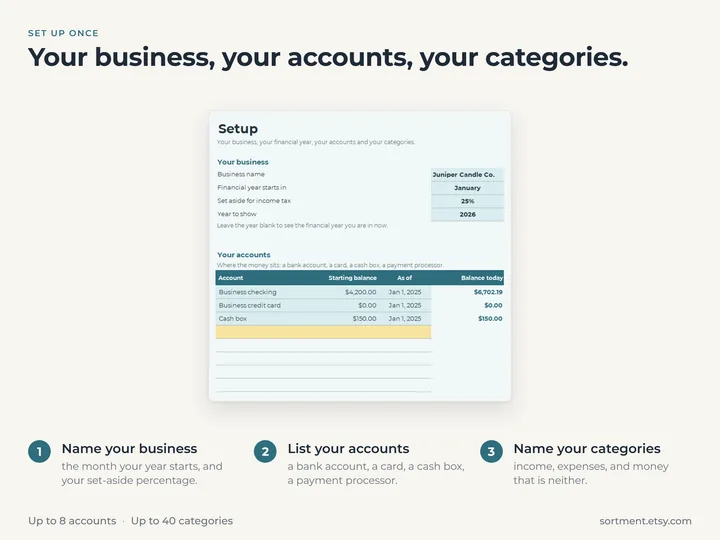
Type the percentage once on Setup, and the Taxes tab shows each month's amount against what you've paid by quarter.
Money that isn't profit
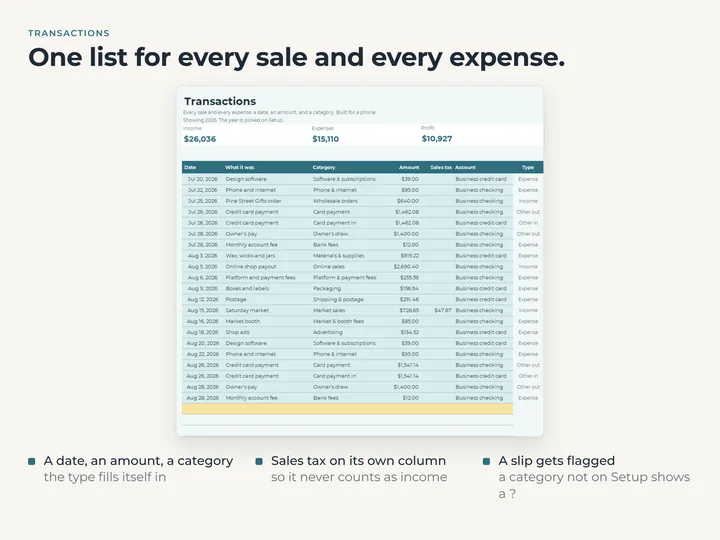
An owner's draw, a loan or a transfer is typed as Other in or Other out, so it moves a balance and leaves profit alone.
Logging made for a phone
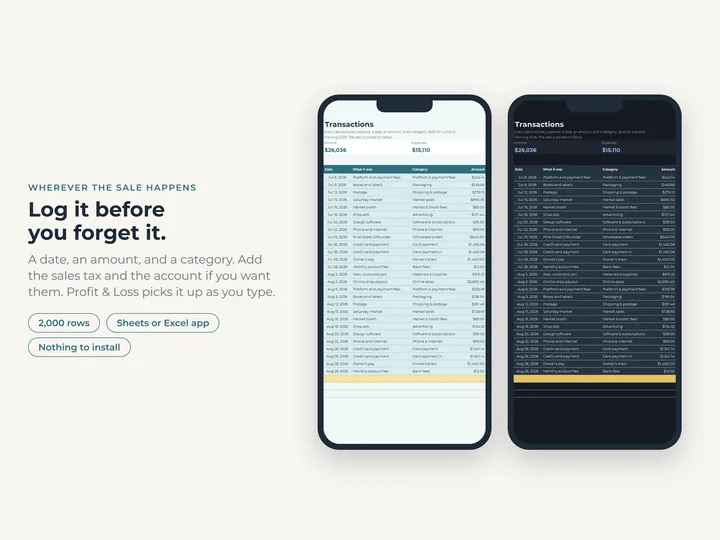
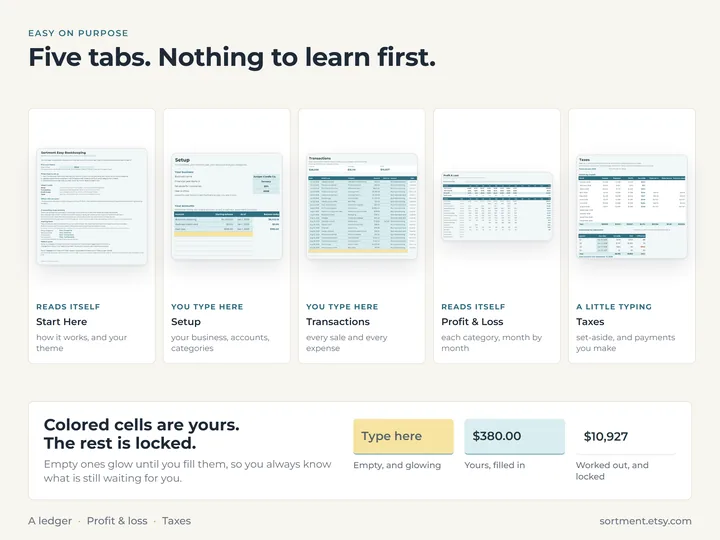
Transactions is laid out for the Google Sheets or Excel app, so a receipt can go in as soon as you have it.
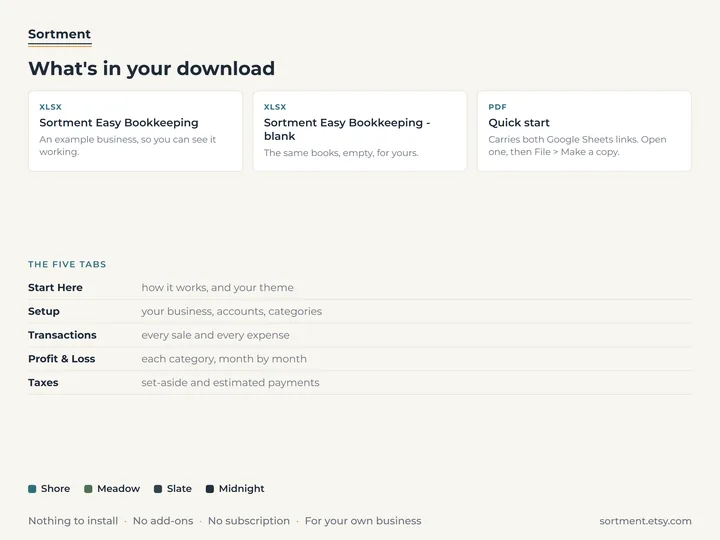
What's in the download
- Five tabs: Start Here, Setup, Transactions, Profit & Loss and Taxes
- Room for 8 accounts, 40 categories and 2,000 transactions
- A copy filled with an example candle business, and a blank one
- A quick-start guide with the Google Sheets copies
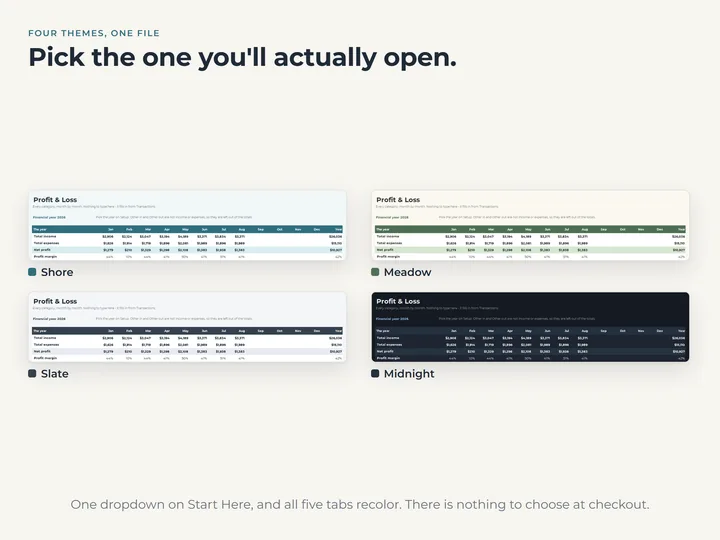
- Four color themes in one file
Who it's for
A small business owner who wants income, expenses, profit and a tax set-aside kept in a few tabs, typed in as things happen.
Questions
Does it work in Google Sheets and Excel?
Yes, both. The quick-start guide has the links to make your own Google Sheets copy of the example and the blank.
Do I have to use sales tax and accounts?
No. Both are optional. Leave them empty on a row and profit still works.
Is this tax advice?
No. Your set-aside percentage and due dates are yours to type, from your own accountant or tax authority. The sheet only does the arithmetic.